

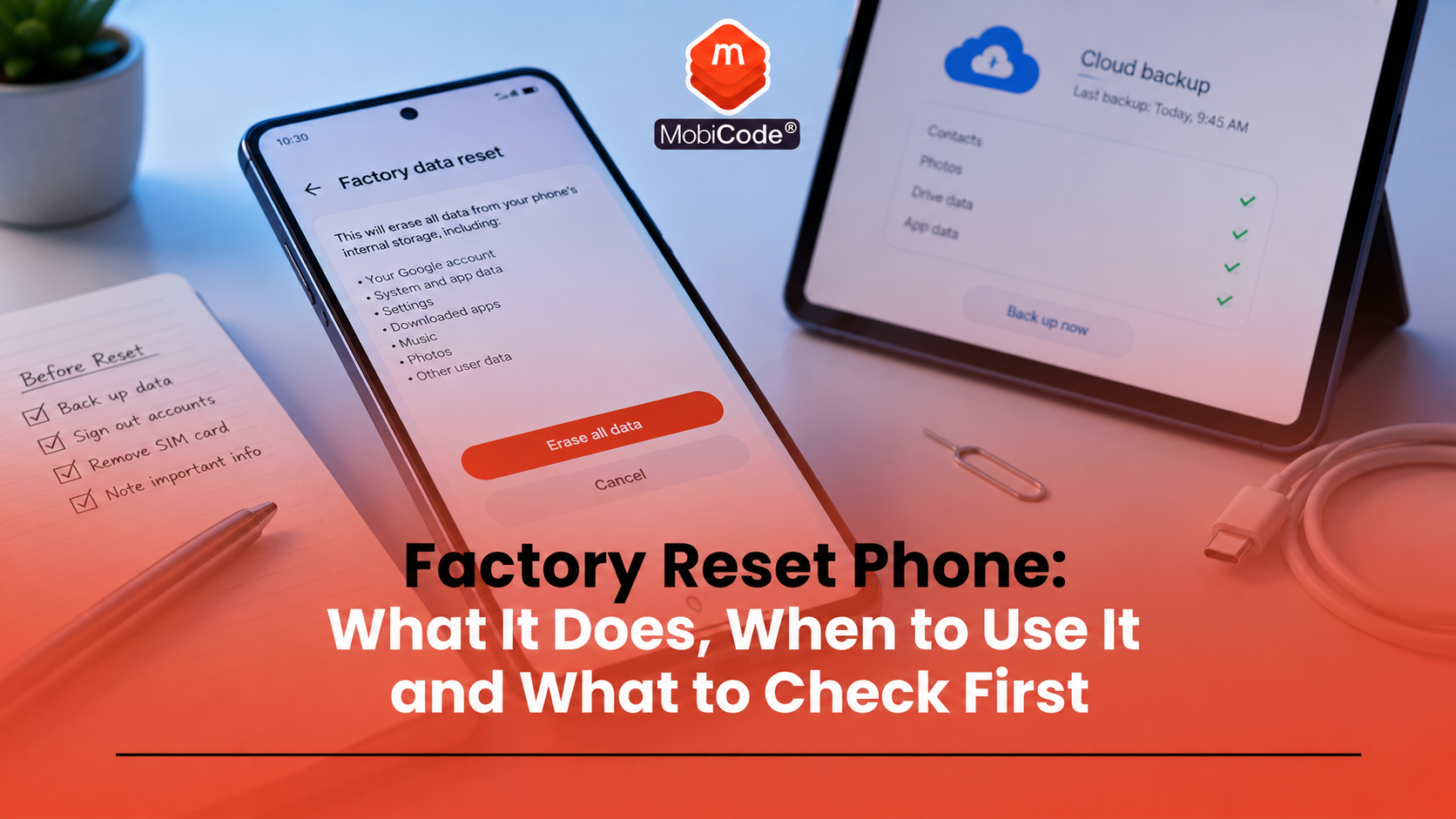
Factory reset phone is a common search when someone wants to erase a mobile device, fix a problem, sell a handset or prepare it for recycling. A factory reset can remove apps, settings and personal data from the phone, returning it close to its original software state.
However, a reset is not the same as a full device check. It does not prove that a phone is unlocked, functional, clean, unblocked or ready for resale. For consumers, that means it is worth understanding what a reset does before handing a phone to someone else. For trade-in teams, recyclers and refurbishers, a reset should sit inside a wider workflow with status checks, testing and proper data-erasure records.
This guide explains what a factory reset phone process does, how to reset iPhone and Android devices, what to check first, and how MobiCode supports professional phone processing through MobiWIPE, MobiONE and related device tools.
What does factory reset phone mean?
A factory reset phone process erases data from the device and restores the phone to a clean software state. On Android, Google says a factory data reset erases data from the phone, uninstalls apps and removes their data. Data stored in a Google Account can later be restored if the user has backed it up. On iPhone, Apple’s erase process removes content and settings from the device.
In simple terms, a factory reset is the consumer-level reset option built into the phone’s operating system. It is useful before selling, giving away or recycling a device, but it is not a complete commercial inspection.
When should you reset a phone?
A factory reset can be useful in several situations. Many people reset a phone before selling it, trading it in, giving it to a family member or sending it for recycling. Others use it when a device has serious software problems that simpler fixes have not solved.
Common reasons include:
- selling a used phone
- trading in a device
- recycling an old handset
- giving the phone to another person
- removing personal accounts and settings
- trying to fix persistent software problems
Before resetting, users should back up anything they want to keep. Once the reset completes, photos, messages, apps and local files may no longer be available on the device.
What to do before a reset
Before starting a reset, take a few sensible steps. These steps reduce the chance of losing important information or creating problems for the next user.
A careful pre-reset checklist should include:
- Back up photos, files, contacts and app data you want to keep.
- Check that your backup has completed successfully.
- Remove or transfer authentication apps if needed.
- Sign out of accounts where appropriate.
- Remove your SIM card and memory card if the device has one.
- Check whether you want to keep or erase any eSIM.
- Make sure the battery has enough charge.
The FTC advises people to back up their phone before selling, giving away or recycling it, then remove personal information from the device. Apple and Google also advise users to follow the built-in erase or reset steps for their operating systems. :contentReference[oaicite:0]{index=0}
How to reset an iPhone
Apple’s official guidance says users can erase an iPhone from Settings. The usual route is:
- Open Settings
- Tap General
- Tap Transfer or Reset iPhone
- Tap Erase All Content and Settings
- Enter your passcode or Apple Account password if asked
- Confirm that you want to erase the device
Apple also notes that users with an eSIM may choose whether to erase or keep the eSIM. If you erase an eSIM, you may need to contact your network provider to reactivate your mobile plan. :contentReference[oaicite:1]{index=1}
For sellers, the key point is simple: do not hand over the phone until the erase process has completed and the device has returned to the setup screen.
How to reset an Android phone
Android settings vary by manufacturer, but Google’s Android guidance gives a typical route through Settings. A common process is:
- Open Settings
- Tap System
- Tap Reset options
- Tap Erase all data or Factory reset
- Review the warning
- Confirm the reset
Google explains that a factory data reset erases data from the phone, while data stored in a Google Account can be restored later if it has been backed up. It also advises users to make sure their data is backed up before resetting. :contentReference[oaicite:2]{index=2}
On some Android devices, the wording may differ. You may see options such as Reset options, Erase all data, Factory data reset or Reset phone.
How to reset a Samsung Galaxy phone
Samsung’s UK support guidance gives a specific route for Galaxy devices. The common path is:
- Open Settings
- Tap General management
- Tap Reset
- Tap Factory data reset
- Review the information
- Tap Reset and then confirm
Samsung also notes that menu routes can vary depending on the Android version. Older devices may use paths such as Backup and reset, Privacy, or About phone before reaching the factory reset option. :contentReference[oaicite:3]{index=3}
If you plan to sell or trade in a Samsung phone, check that the reset has completed fully and that the device no longer opens into your account, apps or personal data.
Does a reset remove everything?
A factory reset removes local user content and settings from the phone, but users should not treat that as a full commercial guarantee. For ordinary consumer use, the built-in reset is the normal route before giving away or selling a phone. For businesses, data removal needs a more controlled and auditable process.
The Information Commissioner’s Office reported in December 2024 that three in 10 UK adults did not know how to wipe personal information from an old device or tech product. That shows why clear guidance matters. People often keep old phones at home, sell them informally, or recycle them without fully understanding what has happened to their data. :contentReference[oaicite:4]{index=4}
A reset is therefore important, but businesses should still rely on proper data-erasure tools and records rather than assumptions.
Is factory reset the same as secure data erasure?
No. A consumer reset and a professional data-erasure workflow are not the same thing.
A factory reset is built into the device. It helps ordinary users erase content and settings. A professional erasure workflow adds control, reporting and evidence. That matters when a business processes many devices and needs to prove what happened to each handset.
For trade-in teams, recyclers and refurbishers, data handling should answer several questions:
- Which device was erased?
- Which IMEI or serial number was linked to the erase result?
- When did the erase happen?
- Who processed the device?
- What result was recorded?
- Was the device then tested, graded and routed correctly?
This is where MobiWIPE supports stronger workflows for businesses that need clear data-erasure evidence before resale or recycling.
Will a reset remove account locks?
A factory reset does not always remove all account-related barriers for the next user. Modern phones include theft-deterrent systems that can require the previous owner’s account credentials after reset.
On Android, Factory Reset Protection can activate if a device resets while a Google account remains linked. On iPhone, Apple’s activation systems may require the previous owner’s Apple Account details if the device remains linked.
For sellers, that means it is not enough to wipe the visible data and assume the phone is ready. The device should restart to the setup screen and be free from the previous owner’s account lock.
For businesses, account-lock checks should form part of the resale workflow alongside IMEI checks, diagnostics and erasure records.
Will a reset unlock a phone?
No. Resetting a phone does not normally unlock it from a mobile network.
A network-locked phone may remain locked after a factory reset. An iPhone may still show a network-provider restriction, and an Android device may still ask for a network unlock code or refuse a different SIM.
This is a common mistake. Sellers sometimes assume that a reset phone is automatically ready for any buyer. In reality, a reset phone may still be network locked, account locked, blocked, faulty or unsuitable for resale.
Before selling or trading in a phone, check:
- network lock status
- account lock status
- IMEI and blacklist status
- device condition
- battery health
- data-erasure result
Will a reset remove blacklist or stolen-phone status?
No. A factory reset does not remove blacklist, blocklist or stolen-phone indicators.
A phone can be reset and still be reported lost or stolen. It can also remain blocked by a network or appear in device-status datasets. That is why an IMEI check matters before resale.
MobiCHECK helps businesses check IMEI numbers against relevant datasets, including the GSMA Global Blacklist Registry. This can help identify whether a device is network blocked, reported lost or stolen, under finance, or linked to an insurance claim.
- IMEI and device status checks: MobiCHECK
- Used-device due diligence: MobiCode CHECK
Why trade-in teams need more than a reset
For consumers, a reset may feel like the final step. For businesses, it should be only one part of the device journey.
A trade-in or recycling workflow should also include:
- capturing the IMEI and serial number
- checking lost, stolen, finance or blacklist indicators
- checking network and account lock status
- testing the screen, battery, cameras, ports and audio
- running a controlled data-erasure process
- recording the result
- grading the device
- routing the device for resale, repair, parts or recycling
The goal is not just to clear the phone. The goal is to make a defensible resale or recycling decision.
How MobiCode supports reset, wipe and resale workflows
MobiCode helps businesses process used phones through connected checking, testing and erasure workflows.
- Secure data erasure: MobiWIPE supports clearer erasure workflows before devices move to resale, reuse or recycling.
See: MobiWIPE - Connected processing: MobiONE helps link checks, tests, wipe results and device records in one operational workflow.
See: MobiONE - IMEI and status checks: MobiCHECK helps teams assess device risk before buying, processing or reselling stock.
See: MobiCHECK - Device testing: MobiCode TEST helps teams test used phones more consistently before resale.
See: MobiCode TEST - Device due diligence: MobiCode CHECK supports stronger checks before used devices move further through the business.
See: MobiCode CHECK
For businesses, the value comes from consistency. Each handset should have a clear record of what was checked, erased, tested and decided.

Common mistakes before selling a reset phone
Most reset problems come from assuming that one step solves everything. A factory reset is useful, but it should not be treated as proof that a phone is ready for another owner.
Common mistakes include:
- resetting before backing up important data
- forgetting to remove a SIM card or memory card
- assuming a reset removes network locks
- assuming a reset removes blacklist status
- forgetting account-lock checks
- selling a phone before checking it has returned to the setup screen
- treating consumer reset as professional erasure evidence
These mistakes can create disputes, returns and data worries. A simple checklist helps prevent them.
Commercial takeaway: factory reset phone
A factory reset phone process can remove personal content and settings from a device. It is useful before selling, trading in, recycling or giving away a handset.
However, a factory reset is not the same as a full device check. It does not prove that the phone is unlocked, unblocked, functional, account-free or commercially resale-ready.
Consumers should back up important data, follow the official reset steps and check that the phone returns to setup mode. Businesses should go further by using IMEI checks, functional testing, account-lock checks, controlled erasure workflows and clear audit records.
A practical example before trading in a phone
A customer wants to trade in an old Samsung phone. Before handing it over, they back up their photos, remove their SIM card and follow Samsung’s factory reset steps.
When the trade-in team receives the device, they do not rely on the reset alone. They capture the IMEI, check the device status, test the screen and battery, confirm the account-lock position, run the required erasure workflow and record the result before assigning a final grade.
FAQ: factory reset phone
What does factory reset phone mean?
It means erasing user content and settings from a phone so the device returns close to its original setup state.
How do I factory reset an iPhone?
On iPhone, Apple says to open Settings, tap General, tap Transfer or Reset iPhone, then tap Erase All Content and Settings.
How do I factory reset an Android phone?
On many Android phones, open Settings, tap System, tap Reset options, then choose Erase all data or Factory reset. The exact wording may vary by manufacturer.
Does a factory reset remove everything?
A reset removes local user content and settings from the phone. Businesses should still use controlled erasure workflows and records when processing devices professionally.
Does factory reset unlock a phone?
No. A factory reset does not normally remove a network lock. A phone may still be locked to a mobile network after reset.
Can a reset phone still be blacklisted?
Yes. A reset does not remove blacklist, blocklist, lost or stolen indicators. Businesses should run IMEI and status checks before resale.
References and Further Reading
- Apple Support: Erase iPhone using Settings
- Google Android Help: Reset your Android device to factory settings
- Samsung UK: Perform a factory reset on your mobile device
- ICO: 14 million people do not know how to erase data from an old device
- FTC: How to remove your personal information before getting rid of your phone
- NCSC: Buying and selling second-hand devices
- MobiWIPE
- MobiONE
- MobiCHECK
- MobiCode TEST
- MobiCode CHECK