

What does ITAD mean?
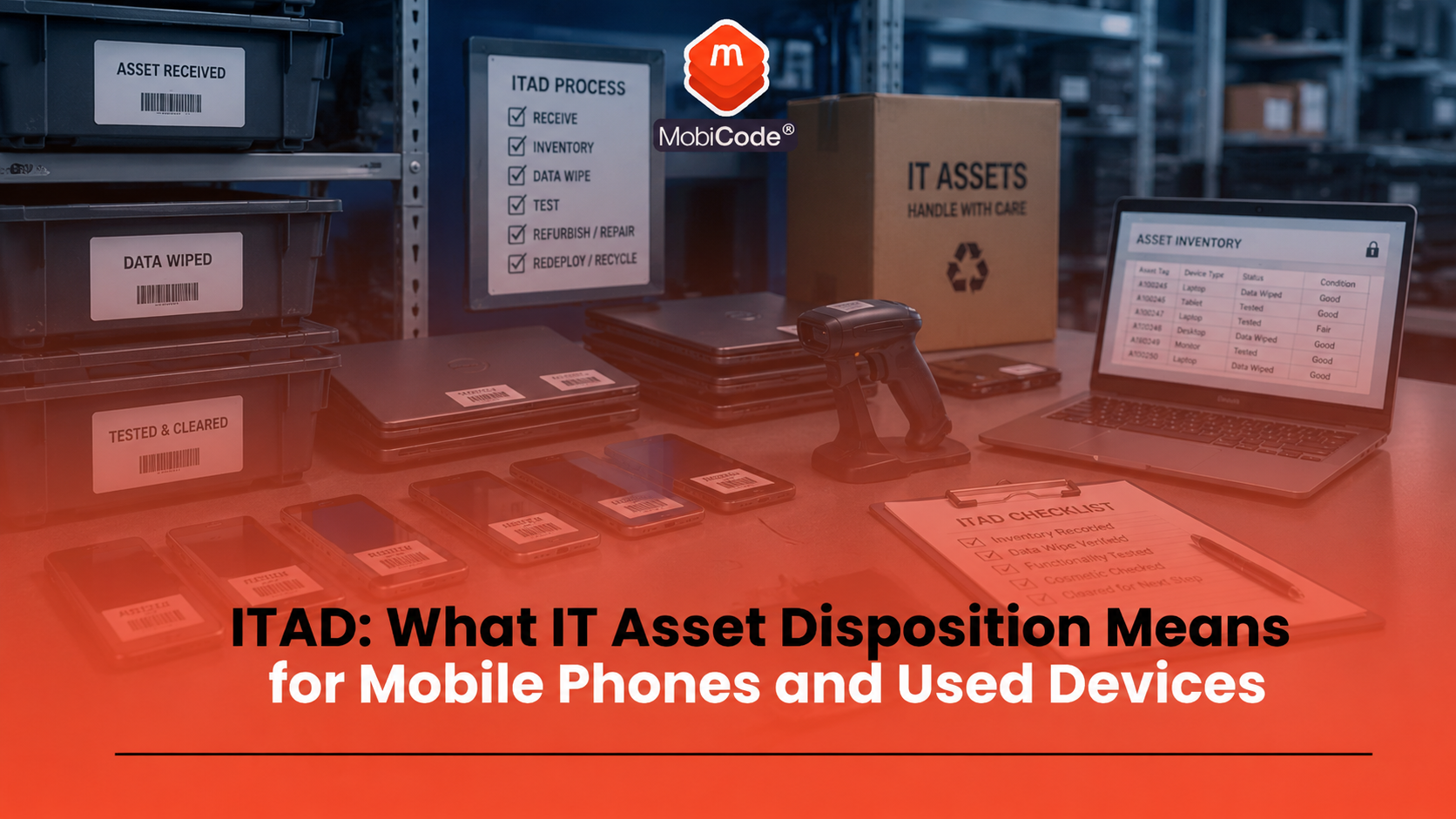
ITAD means IT asset disposition. It covers the process of securely retiring, reusing, reselling, recycling or disposing of IT equipment at the end of its life within an organisation. In practice, ITAD can include:
- collecting unwanted IT assets
- recording device identity
- checking condition and status
- removing or erasing data
- testing device functions
- refurbishing usable assets
- reselling or redeploying devices
- recycling unusable equipment responsibly
For mobile phones, the process needs to be especially careful because handsets are portable, data-rich and easy to resell.
Why IT asset disposition matters for mobile phones
Mobile phones can hold far more information than many businesses realise. A company phone may contain email access, messages, contacts, customer information, authentication apps, documents, photos, call logs, mobile-wallet data and app sessions. Even when a device looks old or low-value, the data risk can be significant. The Information Commissioner’s Office reported in December 2024 that three in 10 UK adults did not know how to wipe personal information from an old device or technology product. It also said the average Brit had three unused devices sitting at home. For businesses, the risk is even higher. A phone leaving the company without proper erasure and records can create avoidable exposure. A strong mobile ITAD process helps answer:
- which device was collected?
- who owned or used it?
- what IMEI or serial number identifies it?
- was the data erased?
- was the device tested?
- was it resold, reused, repaired, recycled or destroyed?
ITAD is not just recycling
Many people think ITAD simply means recycling old electronics. Recycling is part of the picture, but it is not the whole process. A good IT asset disposition workflow decides the best route for each device. Some phones may be suitable for resale. Others may need repair. Some may only be suitable for parts or responsible recycling. A small number may need further review because of status, lock, damage or data issues. A mobile ITAD process may include:
- reuse: redeploying devices inside the business
- resale: selling tested devices into a secondary market
- refurbishment: repairing or improving devices before resale
- parts recovery: harvesting usable parts from faulty devices
- recycling: recovering materials from devices that cannot be reused
- destruction: physically destroying assets where necessary
The best route depends on data requirements, device condition, commercial value, environmental impact and business policy.
Why data erasure sits at the centre of ITAD
Data erasure is one of the most important parts of ITAD. A business should not release devices into resale, donation, reuse or recycling without dealing with the data first. NIST describes media sanitisation as a process that makes access to target data infeasible for a given level of effort. Its guidance helps organisations make sanitisation decisions based on the confidentiality of the information involved. For mobile phones, data handling should create clear answers:
- what device was erased?
- which IMEI or serial number was linked to the erase?
- when did erasure happen?
- what process was used?
- what result was recorded?
- who processed the device?
A factory reset may be useful for consumers, but professional ITAD often needs stronger control and evidence. MobiWIPE supports clearer data-erasure workflows before devices move into resale, reuse or recycling.
- Secure data erasure: MobiWIPE
ITAD for phones starts with device identity
Before a phone can be checked, wiped, tested or resold, the business needs to know exactly which device it is handling. That starts with device identity. A good intake process should capture:
- IMEI number
- IMEI 2 where relevant
- serial number
- make and model
- storage size
- colour
- network lock status where relevant
- asset tag or corporate inventory reference
This matters because the device record connects every later step. If staff record the wrong IMEI, later checks, erase results and resale decisions can become unreliable.
Why IMEI and status checks matter in mobile ITAD
A device may look clean and still carry risk. It may be reported lost or stolen, network blocked, linked to an insurance claim, under finance, account locked or unsuitable for resale. That is why IMEI and status checks matter in a mobile ITAD workflow. They help businesses understand whether a device should move into normal processing or be held for review. MobiCHECK helps teams check device IMEI numbers live against relevant datasets, including the GSMA Global Blacklist Registry. This can help identify whether a device is network blocked, reported lost or stolen, under finance or linked to an insurance claim.
- IMEI and device status checks: MobiCHECK
- Used-device due diligence: MobiCode CHECK
For ITAD providers, recyclers and refurbishers, this is not just a compliance issue. It is also a stock-quality and margin-control issue.
Testing and grading used phones
After identity and status checks, a phone still needs functional testing. A device can pass an IMEI check and still have a damaged camera, weak battery, faulty microphone, charging issue or screen problem. A proper mobile testing workflow should check:
- screen and touch response
- battery health or battery performance
- front and rear cameras
- speaker and microphone
- charging port
- buttons and vibration
- Wi-Fi, Bluetooth and NFC where supported
- SIM and network behaviour
- account or activation lock status
MobiCode TEST helps businesses run more consistent device diagnostics before resale. MobiONE helps connect tests, checks, wipe results and device records into a single workflow.
- Mobile phone testing: MobiCode TEST
- Connected device processing: MobiONE
ITAD, resale and asset recovery
ITAD can help businesses recover value from unwanted devices. A phone that no longer suits one organisation may still have resale value in the secondary market. However, resale should follow proper checks. A device should not move into resale simply because it turns on. It needs identity capture, status review, data erasure, functional testing, grading and accurate listing information. A good resale workflow helps businesses:
- recover value from usable devices
- reduce unnecessary e-waste
- support circular economy goals
- avoid selling faulty or risky stock
- give buyers more confidence
For mobile devices, asset recovery works best when the business can prove what happened to each handset.
ITAD and responsible recycling
Not every phone should be resold. Some devices are too damaged, too old, locked, low-value or uneconomical to repair. Those devices may need parts recovery or responsible recycling. Responsible recycling helps reduce waste and recover materials from devices that cannot return to use. However, recycling should not bypass data handling. Devices should still be assessed, erased where possible and routed properly. A strong process separates:
- devices suitable for resale
- devices suitable for repair
- devices suitable for parts
- devices requiring secure destruction
- devices suitable for recycling
This makes the workflow clearer and reduces the chance of mistakes.
ITAD for SMEs replacing company phones
SMEs often underestimate the ITAD problem. A small business may have old phones sitting in drawers, cupboards, vans, home offices or desk pedestals. Some may still contain emails, customer contacts, app sessions or access to business systems. Before disposing of company phones, an SME should:
- make a list of all devices
- record IMEI and serial numbers
- remove devices from mobile device management where relevant
- back up anything needed
- erase data properly
- check device status and lock position
- decide whether to reuse, resell, recycle or destroy
- keep records of the final outcome
This gives the business more control and reduces the risk of forgotten devices leaking information later.
ITAD and compliance records
Records matter because ITAD decisions may need to be explained later. A business may need to show that it handled assets responsibly, erased data properly and routed devices correctly. Useful records can include:
- device make and model
- IMEI and serial number
- asset tag
- collection date
- erasure result
- test result
- grade
- resale, reuse, recycling or destruction route
- operator or user actions where relevant
The more devices a business handles, the more important this becomes. Manual spreadsheets may work for very small volumes, but high-volume processing needs a connected workflow.

How MobiCode supports mobile ITAD workflows
MobiCode supports mobile ITAD workflows by helping businesses check, test, wipe and process used devices more consistently.
- Data erasure: MobiWIPE supports clearer data-erasure workflows before mobile devices move to resale, reuse or recycling. See: MobiWIPE
- Connected processing: MobiONE helps link checks, tests, wipe results and device records in one operational workflow. See: MobiONE
- IMEI and status checks: MobiCHECK helps teams check device risk before buying, processing or reselling stock. See: MobiCHECK
- Device testing: MobiCode TEST helps teams test used phones more consistently before resale. See: MobiCode TEST
- Device due diligence: MobiCode CHECK supports stronger checks before used devices move further through the business. See: MobiCode CHECK
For ITAD providers, recyclers, refurbishers and businesses with mobile fleets, the value comes from linking each device to the right record, check, wipe result and final route.
Common ITAD mistakes with mobile phones
Most mobile ITAD mistakes come from treating phones as low-value equipment rather than data-rich business assets. Common mistakes include:
- leaving old phones in drawers without records
- assuming a factory reset is enough evidence for every business case
- forgetting IMEI and serial capture
- failing to remove account locks or MDM restrictions
- not checking blacklist or status indicators
- selling devices without functional testing
- recycling devices without a clear data-handling record
- using disconnected spreadsheets for high-volume processing
A clear workflow helps avoid these mistakes and makes device decisions easier to defend.
Commercial takeaway: ITAD for mobile phones
ITAD is the secure and responsible handling of unwanted IT assets. For mobile phones, that means more than collecting old handsets and sending them away. It means identifying each device, checking its status, erasing data, testing functions, grading condition and choosing the right route for resale, reuse, repair, parts, recycling or destruction. For SMEs, ITAD helps reduce the risk of forgotten company phones leaking information. For recyclers, refurbishers and ITAD providers, it supports safer processing and better resale decisions. A strong mobile ITAD workflow should combine data erasure, IMEI checks, diagnostics, audit records and responsible end-of-life routing.
A practical example for a business phone refresh
A company replaces 200 staff phones. Without a proper ITAD process, old devices may sit in drawers, leave with employees, go to informal resale or move into recycling without clear data records. A stronger process captures each IMEI and serial number, removes business accounts, checks device status, erases data, tests device functions and records whether each handset goes to resale, reuse, repair or recycling. That gives the business better security, clearer records and a stronger chance of recovering value from devices that still have life left in them.
FAQ: ITAD
What does ITAD stand for?
ITAD stands for IT asset disposition. It means the secure and responsible handling of unwanted IT assets before reuse, resale, recycling or disposal.
What does ITAD mean for mobile phones?
For mobile phones, ITAD means identifying devices, checking status, erasing data, testing functions, grading condition and routing each handset for reuse, resale, repair, recycling or destruction.
Is ITAD the same as recycling?
No. Recycling is one possible outcome. ITAD also includes data erasure, testing, resale, reuse, refurbishment, parts recovery and secure destruction where needed.
Why is data erasure important in ITAD?
Data erasure helps prevent personal or business information from remaining on devices after they leave an organisation. Professional workflows should record what was erased, when and against which device.
Why do mobile ITAD workflows need IMEI checks?
IMEI checks help identify device status and risk before phones move into resale, reuse or recycling. They can support checks for lost, stolen, blocked, finance or insurance indicators where data is available.
How does MobiCode support ITAD providers?
MobiCode supports ITAD providers with tools for IMEI checks, device testing, secure data erasure and connected mobile device processing workflows.