

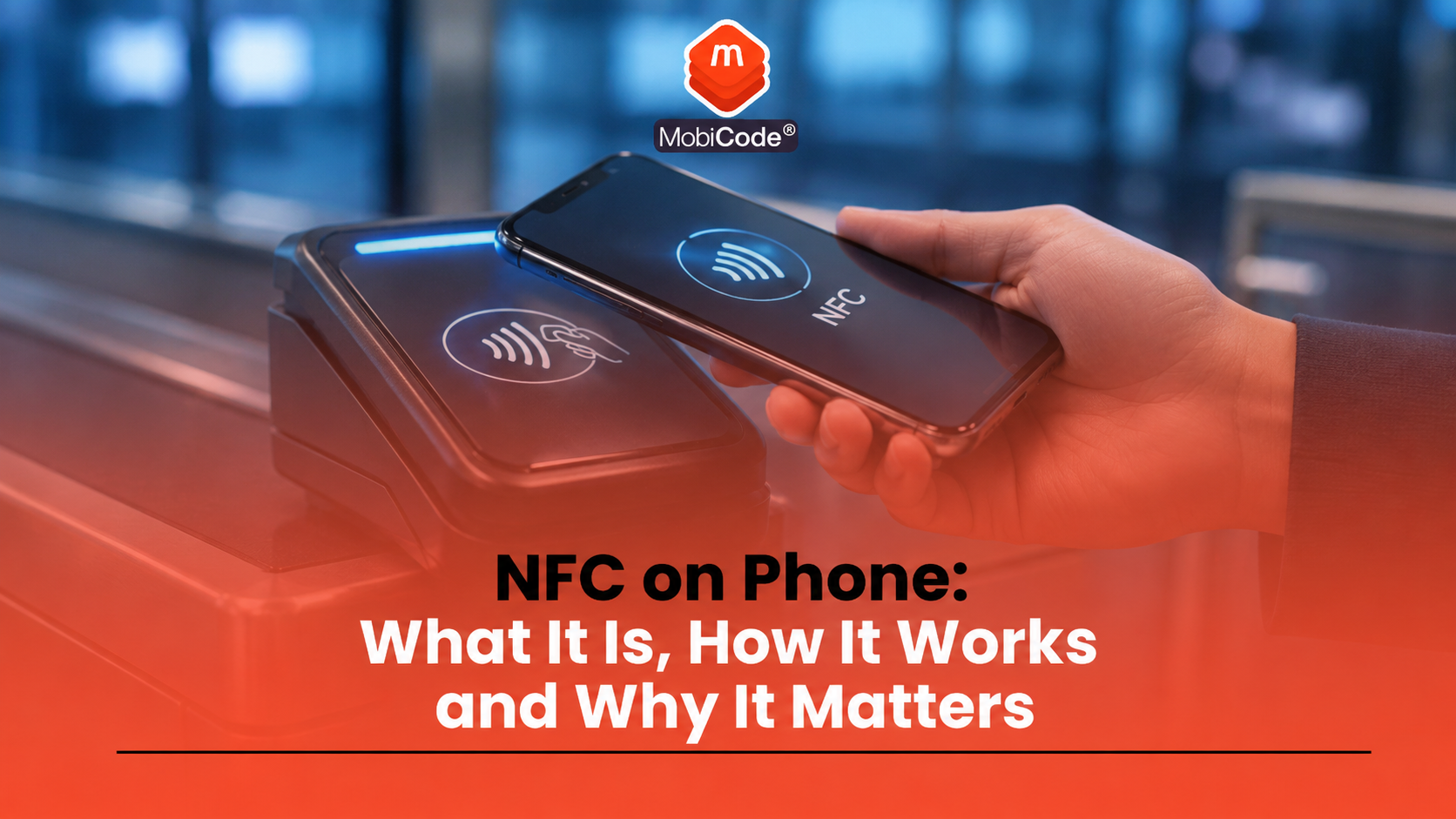
NFC on phone means that a mobile device can use near field communication, a short-range wireless technology that works when two compatible devices or tags are very close together. Most people use NFC without thinking about it when they make contactless payments, scan tags, use digital tickets or tap a phone against another compatible device.
For everyday users, NFC is mainly about convenience. For trade-in teams, recyclers, refurbishers and retailers, it is also a device function that may need checking before resale. A phone can look good, power on normally and still have a faulty or untested NFC function.
This guide explains what NFC on phone means, how it works, how to turn it on, whether it is safe, and why businesses should include NFC in structured mobile phone testing workflows.
What does NFC on phone mean?
NFC on phone means the device supports near field communication. The NFC Forum describes NFC as a short-range wireless technology that enables secure communication between devices located just a few centimetres apart. Android’s developer documentation similarly describes NFC as a set of short-range wireless technologies that typically require a distance of 4 cm or less to start a connection.
In simple terms, NFC lets a phone exchange small amounts of information when it is held close to another NFC-enabled device, card reader or tag.
What is near field communication?
Near field communication is the full name for NFC. It is the technology behind many tap-based mobile interactions.
Common examples include:
- contactless mobile payments
- scanning NFC tags
- using digital travel cards or tickets
- access cards and smart badges
- quick pairing with some accessories
- reading information from compatible products or tags
Samsung’s UK support guidance explains that NFC allows users to make secure transactions, exchange digital content and connect electronic devices with a touch. It also notes that NFC transmissions work over a short range, from a touch to a few centimetres.
How does NFC work on a phone?
NFC works by allowing the phone to communicate with another NFC device or tag when the two are very close together. The short range is part of the design. It means the user normally needs to intentionally place the phone close to the reader or tag.
For example, when someone pays using a mobile wallet, the phone communicates with the payment terminal at close range. When someone scans an NFC tag, the phone reads data stored on that tag, such as a web link or product instruction.
This is different from Wi-Fi or Bluetooth. NFC is not designed for longer-distance communication. It is designed for quick, close-range interactions.
How to check if a phone has NFC
Many modern smartphones include NFC, but not every phone supports it. The easiest way to check depends on the device.
On Android, try these steps:
- Open Settings
- Use the search bar and type NFC
- Look for NFC, Contactless payments or Connected devices
- Check whether the setting exists and can be turned on
Google Wallet support says Android users can search Settings for “NFC” and make sure the NFC setting is turned on. Samsung also provides NFC settings guidance for Galaxy devices.
On iPhone, NFC support depends on the model and use case. Newer iPhones support background NFC tag reading, while older models may require a manual NFC tag reader option for certain tag-reading tasks.
How to turn NFC on Android
On many Android phones, users can turn NFC on through Settings. The exact route varies by manufacturer, but a common path is:
- Open Settings
- Search for NFC
- Tap the NFC result
- Turn the setting on
- Check contactless payment settings if you plan to use mobile payments
Google Wallet support says users should make sure NFC is enabled and set up correctly before using Google Wallet. If the phone does not show an NFC option, the device may not support the feature.
Does iPhone have NFC?
Yes, many iPhone models support NFC, but the available features depend on the model, iOS version and app support. Apple’s developer guidance explains that iOS apps running on supported devices can use NFC scanning to read data from electronic tags attached to real-world objects.
Many iPhone users mainly encounter NFC through Apple Pay, digital keys, tickets, passes or tag reading. Some NFC functions happen in the background, while others depend on app support.
For resale and testing teams, the practical point is simple: do not assume every iPhone has identical NFC behaviour. Test the relevant function for the model and intended resale description.
Is NFC the same as Bluetooth?
No. NFC and Bluetooth are different technologies.
NFC works over a very short range and usually starts with a tap or close hold. Bluetooth works over a longer range and is better suited to ongoing connections, such as headphones, speakers, watches and accessories.
A simple comparison:
- NFC: very short range, quick tap-style interactions
- Bluetooth: longer range, continuous device pairing and communication
Both can be useful, but they solve different problems.
Is NFC safe?
NFC is designed for short-range communication, which helps limit accidental interactions. However, no technology should be treated as risk-free in every context.
For everyday users, sensible precautions include:
- use trusted payment apps and wallet services
- keep the phone locked when not in use
- do not scan unknown tags if you are unsure where they lead
- keep the operating system updated
- turn NFC off if you do not use it and prefer to reduce active features
For businesses, the important point is not just security. It is whether NFC works correctly and whether the device has been tested, wiped, graded and described accurately before resale.
What is an NFC tag?
An NFC tag is a small chip that stores information a compatible phone can read at close range. Tags can appear in posters, cards, product labels, access systems or smart-home setups.
A tag might open a web page, trigger an app action, share contact details or provide product information. Apple’s developer guidance gives examples of iOS apps scanning electronic tags attached to real-world objects.
For consumers, NFC tags can feel like QR codes without the camera step. For businesses, they can support product information, logistics, access control or customer interactions.
Why NFC matters before selling a phone
NFC may affect buyer expectations. If a phone is sold as fully functional, buyers may expect contactless payments, tag reading or wallet-related features to work correctly where the model supports them.
A phone with faulty NFC may still look fine during a basic visual inspection. That creates a risk for trade-in businesses and refurbishers if the function is not tested before resale.
Before selling or grading a phone, teams should consider whether:
- the model supports NFC
- the NFC function turns on where applicable
- contactless or tag-reading behaviour can be tested
- the device has any wider hardware faults
- the resale description accurately reflects the tested condition
This helps reduce returns, disputes and inaccurate listings.
NFC and mobile phone diagnostics
Phone diagnostics should cover the features that matter to buyers and resale channels. NFC is one of those features on many modern phones.
A structured test process may check:
- screen and touch response
- camera function
- speaker and microphone
- charging port
- Wi-Fi and Bluetooth
- NFC where supported
- battery health
- buttons and sensors
MobiCode TEST helps businesses test used mobile phones more consistently before resale. For trade teams, the goal is not just to see whether a phone turns on. The goal is to collect reliable evidence that supports grading, pricing and resale decisions.
- Mobile phone testing: MobiCode TEST
- Connected device processing: MobiONE
NFC is not a full device check
NFC is only one function. A phone can pass an NFC test and still have other problems. It may be network locked, account locked, reported lost or stolen, damaged, poorly erased or affected by battery issues.
A complete used-phone workflow should include:
- IMEI and serial capture
- device status checks
- network and account lock checks
- functional testing
- secure data erasure
- grading
- resale route selection
MobiCode supports these wider workflows through MobiCHECK, MobiWIPE, MobiONE and related device-processing tools.
How MobiCode supports NFC and device testing workflows
MobiCode helps businesses process used phones with more consistent testing, checking and erasure workflows.
- Device testing: MobiCode TEST supports structured mobile phone diagnostics before resale.
See: MobiCode TEST - Connected workflows: MobiONE helps link checks, tests, wipe results and device records in one operational process.
See: MobiONE - IMEI and status checks: MobiCHECK helps teams assess device risk before buying, processing or reselling stock.
See: MobiCHECK - Secure data erasure: MobiWIPE supports clearer data-erasure workflows before devices are released.
See: MobiWIPE - Device due diligence: MobiCode CHECK supports stronger checks before used phones move further through the business.
See: MobiCode CHECK
For recyclers, refurbishers and retailers, the value comes from evidence. Each tested function should help staff make a clearer commercial decision about the handset.

Common mistakes with NFC on a phone
Most NFC confusion comes from assuming the feature works the same on every device. It does not. Model, operating system, app support and regional settings can all affect what a user can do.
Common mistakes include:
- assuming every phone has NFC
- confusing NFC with Bluetooth
- forgetting to turn NFC on before testing
- assuming payments failing means NFC hardware is faulty
- not testing NFC before resale
- selling a phone as fully functional without checking supported features
A clear workflow helps avoid these mistakes.
Commercial takeaway: NFC on phone
NFC on phone means the handset supports near field communication, a short-range wireless technology used for contactless payments, tags, tickets, access systems and device interactions.
For consumers, NFC is mainly about convenient tap-based actions. For businesses handling used phones, it is also a feature that may need testing before resale.
A complete device workflow should not stop at NFC. Trade teams should also capture the IMEI, check device status, test other functions, confirm lock status, erase data properly and record the final grade.
A practical example before resale
A refurbisher receives a batch of Android phones. The devices power on and look cosmetically good, but the team still needs to confirm whether each supported feature works.
Staff check the IMEI, run status checks, test screen and battery performance, confirm wireless functions and include NFC testing where the model supports it. If NFC fails, the device can be routed for review, repair, repricing or a different resale category.
FAQ: NFC on phone
What does NFC on phone mean?
NFC on phone means the device supports near field communication, a short-range wireless technology used for tap-based actions such as contactless payments, tag reading and digital passes.
How do I know if my phone has NFC?
On Android, open Settings and search for NFC. If the setting appears, the phone likely supports it. On iPhone, NFC support depends on the model and feature being used.
What is NFC used for?
NFC is used for contactless payments, NFC tags, digital tickets, access cards, smart badges and other close-range phone interactions.
Is NFC the same as Bluetooth?
No. NFC works over a very short range and is usually used for tap-style actions. Bluetooth works over a longer range and supports ongoing device connections.
Should NFC be tested before selling a phone?
Yes, where the model supports NFC and the resale description suggests full functionality. Testing helps reduce returns and inaccurate listings.
Does NFC prove a phone is ready for resale?
No. NFC is only one device function. A resale-ready phone also needs IMEI checks, lock checks, diagnostics, secure data erasure and grading.