

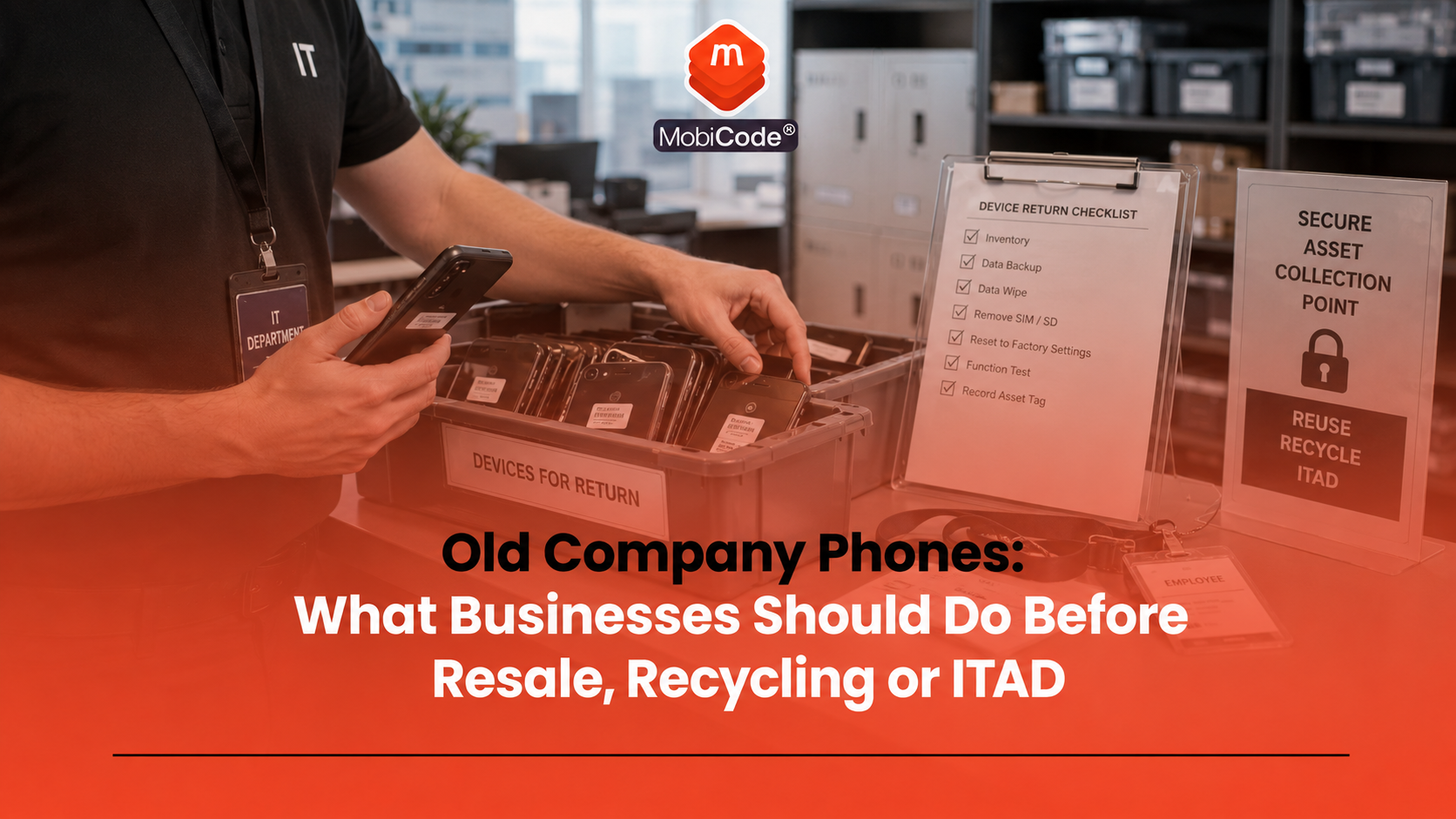
Why old company phones need a proper process
Businesses often treat phones as low-value accessories once employees receive replacements. However, a company phone can hold the same kind of sensitive access as a laptop. A single device may contain:
- email and calendar access;
- customer or supplier contacts;
- two-factor authentication apps;
- documents and downloaded files;
- photos, messages and call history;
- company apps and VPN profiles;
- mobile wallet or payment settings;
- MDM profiles or remote-management controls.
As a result, old company phones need more than a quick factory reset. They need a workflow that protects data, preserves resale value and creates a clear record of what happened to each device.
Start by building a device list
Before a business wipes, sells or recycles any phones, it should know exactly what it has. Therefore, the first step is a proper device inventory. A useful device list should include:
- make and model;
- storage size;
- colour;
- IMEI number;
- IMEI 2 where relevant;
- serial number;
- asset tag or internal reference;
- assigned employee or department;
- network provider where known;
- initial condition.
This list does not need to be complicated at the start. However, it must be accurate. If staff record the wrong IMEI or mix up devices in a batch, later checks, wipe records and resale decisions can become unreliable.
Check whether the devices are still managed
Many company phones sit inside a mobile device management system. That may include Apple device management, Android Enterprise, Microsoft Intune or another MDM platform. Before disposal or resale, the business should check whether each phone still has management settings, profiles, restrictions or enrolment attached to it. For example, a phone may still show:
- Remote Management during iPhone setup;
- company profiles under device settings;
- work profiles on Android;
- managed apps or restricted settings;
- organisation login prompts;
- MDM enrolment after reset.
This matters because an MDM-managed phone may not work properly for the next owner. In addition, unresolved management can cause returns, resale disputes and extra handling work.
- Connected device processing: MobiONE
Retire or release devices from management
Once the business knows which devices remain managed, it should remove them from organisational control through the correct admin process. This might include:
- retiring the device from the MDM platform;
- removing managed apps and settings;
- releasing the device from automated enrolment where relevant;
- checking that no management prompt appears during setup;
- recording the action against the device record.
Microsoft Intune, for example, distinguishes between retire and wipe actions. Retire removes company data and management from a device without a full factory reset, while wipe restores a device to factory settings and removes personal and organisational data, apps and configurations. The exact process depends on the platform and ownership model. Even so, the principle stays the same: do not send a phone into resale or recycling until the business has dealt with management status properly.
Back up anything the business still needs
Before erasing devices, check whether the business still needs any data. That may include photos, call records, app data, files, messages, contacts or authentication settings. In many cases, the business should already hold important information in cloud services or central systems. However, phones often collect stray data over time. A practical backup check should ask:
- Does the business need anything from this device?
- Has the employee returned or transferred required files?
- Are authentication apps or recovery codes still needed?
- Does the device contain customer or project information?
- Have business accounts been removed or transferred?
After the device has been wiped, recovery may be difficult or impossible. Therefore, the business should complete this step before erasure starts.
Erase data with evidence, not assumptions
Data erasure sits at the centre of any old company phone workflow. The business needs to know that data has been removed and that the result links to the correct device. A factory reset can help prepare a phone for reuse or sale. However, a professional workflow should not rely only on someone saying, “It looks reset.” A stronger erasure record should show:
- which device was erased;
- which IMEI or serial number linked to the erase;
- when the erase happened;
- who processed the device;
- what result appeared;
- what route the device took afterwards.
MobiWIPE supports controlled data-erasure workflows before devices move to resale, reuse or recycling.
- Secure data erasure: MobiWIPE
Check IMEI and device status
Once the device identity is clear, businesses should check the IMEI and device status before resale or trade-in. This helps identify devices that may need review before they move into normal stock. Status checks can help flag issues such as:
- lost or stolen indicators;
- blacklist or blocklist status;
- network blocking;
- insurance indicators where available;
- finance indicators where available;
- identity mismatch or unclear records.
For ex-company phones, this step matters because devices may have changed hands internally, sat unused for months or arrived from multiple departments. MobiCHECK helps businesses check IMEI numbers against relevant datasets, including the GSMA Global Blacklist Registry.
- IMEI and device status checks: MobiCHECK
- Used-device due diligence: MobiCode CHECK
Check network lock and SIM restrictions
A phone’s network status can affect resale value. An unlocked phone usually appeals to more buyers because it can work with more than one compatible mobile network. However, older devices, imported handsets and some historic business stock may still need network-lock checks. Therefore, the workflow should confirm whether each phone accepts another compatible SIM or needs unlocking review. Check for:
- carrier lock or network-provider lock on iPhone;
- SIM lock or network lock indicators on Android;
- messages asking for a network unlock code;
- SIM test results where appropriate;
- unlock eligibility or review status.
MobiUNLOCK supports professional unlocking workflows where teams need to handle network restrictions before resale.
- Network unlocking workflows: MobiUNLOCK
Test whether the phone still works properly
A business should not decide the route for old company phones based only on age or appearance. Some devices may still have good resale value. Others may need repair, parts recovery or recycling. A practical test should include:
- screen and touch response;
- battery health or performance;
- front and rear cameras;
- speaker and microphone;
- charging port;
- buttons and vibration;
- Wi-Fi and Bluetooth;
- NFC where supported;
- SIM detection and signal;
- sensors where relevant.
MobiCode TEST helps businesses test used mobile phones more consistently before resale, recycling or repair decisions.
- Mobile phone diagnostics: MobiCode TEST
Consistent testing also helps the business avoid unnecessary recycling. If a phone works well and has clean records, resale or reuse may recover more value.
Separate reuse, resale, repair and recycling
Not every old company phone should follow the same route. A clear workflow should separate devices by condition, status, data result and commercial value. Common routes include:
- reuse: the business redeploys the phone internally;
- resale: the device passes checks and can enter the secondary market;
- repair: the phone has value but needs work first;
- parts: the device cannot sell as a full handset but contains usable parts;
- recycling: the phone has low value or cannot return to use;
- destruction: the business requires physical destruction for policy or risk reasons;
- review: the device has unclear status, lock, MDM or data issues.
This routing helps businesses avoid two common mistakes: selling risky devices too quickly and recycling devices that still have recoverable value.
Keep records for each device
Records matter because old company phones can create questions later. A business may need to show that it handled a device responsibly, removed data, checked status and routed the handset correctly. A useful record should include:
- device make, model and storage;
- IMEI and serial number;
- asset tag or department;
- MDM release or retirement status;
- erase result;
- diagnostic result;
- lock and status check results;
- final grade;
- final route;
- date and operator where relevant.
MobiONE helps link device checks, tests, wipe results and records into one operational workflow. As a result, teams can make decisions from one connected device history rather than scattered spreadsheets and screenshots.
Why this matters for IT teams
IT teams often focus on issuing new devices, but the old-device process matters just as much. If a business loses track of returned phones, it can create data risk, stock loss and support problems. A good process helps IT teams:
- close the loop on employee devices;
- remove devices from management systems;
- confirm data erasure;
- avoid unsupported phones returning to use;
- recover value from working devices;
- produce clearer disposal records.
For IT managers, the key question is not simply “Did we buy new phones?” It is also “Can we prove what happened to the old ones?”

Why this matters for recyclers and ITAD providers
Recyclers and ITAD providers often receive mixed batches of corporate devices. Some phones may be ready for resale. Others may still have MDM prompts, data concerns, lock issues or unclear status. A strong intake process helps providers:
- match devices to client asset lists;
- separate managed or locked phones quickly;
- record data-erasure outcomes;
- test and grade devices consistently;
- recover resale value where possible;
- route damaged devices responsibly;
- give clients clearer reports.
MobiCode supports recyclers and device processors that need to handle mobile phones at scale.
- Solutions for recyclers: MobiCode for Recyclers
How MobiCode supports old company phone workflows
MobiCode helps businesses process old company phones with clearer checks, tests, wipe records and routing decisions.
- MobiONE: helps link checks, tests, wipe results and device records in one operational workflow. See: MobiONE
- MobiWIPE: supports controlled data-erasure workflows before devices move to resale, reuse or recycling. See: MobiWIPE
- MobiCHECK: helps teams check IMEI and device status before processing or reselling stock. See: MobiCHECK
- MobiCode TEST: helps teams run structured diagnostics and functional testing before resale. See: MobiCode TEST
- MobiUNLOCK: supports professional unlocking workflows where teams need to handle network restrictions. See: MobiUNLOCK
- MobiCode CHECK: supports broader used-device due diligence before phones move further through the business. See: MobiCode CHECK
Together, these tools help turn old company phones from an unmanaged risk into a clearer device-processing workflow.
Common mistakes with old company phones
Most problems happen when businesses treat old phones casually. Common mistakes include:
- leaving devices in drawers without records;
- forgetting to remove phones from MDM;
- assuming factory reset solves every data problem;
- not recording IMEI and serial numbers;
- selling phones without account-lock checks;
- recycling devices that still have resale value;
- missing network-lock issues;
- failing to link erase results to device records.
A simple, repeatable workflow can prevent most of these issues.
Commercial takeaway: old company phones
Old company phones should not move into resale, recycling or disposal without a proper process. Each device needs identification, management release, data erasure, IMEI checks, lock review, diagnostics, grading and final routing. For businesses, this reduces data risk and helps recover value from devices that still work. For recyclers, refurbishers and ITAD providers, it creates cleaner intake, better client reports and stronger resale decisions. MobiCode helps businesses and device processors handle old company phones more consistently by connecting checks, testing, erasure, unlock workflows and device records.
A practical example after a company phone refresh
A business replaces 300 staff phones after a contract upgrade. At first, the old devices sit in boxes near the IT desk. Some belong to leavers, some still have MDM profiles, and several have unknown condition. A stronger workflow starts with an asset list. The team records each IMEI and serial number, removes devices from management, backs up anything still needed, completes data erasure, runs IMEI and status checks, tests key functions and assigns a route. Some phones go to internal reuse. Others move to resale after testing. Damaged devices go to parts or recycling. Phones with unclear MDM or account-lock issues move into review. As a result, the business gets clearer records, lower risk and better value from devices that might otherwise sit unused.
FAQ: old company phones
What should a business do with old company phones?
A business should identify each phone, remove management controls, back up anything needed, erase data, check IMEI status, test functions, grade condition and route the device to reuse, resale, repair, recycling or review.
Can old company phones be sold?
Yes, some old company phones can be sold if the business has removed data, released management controls, checked device status, tested functions and confirmed that the devices are suitable for resale.
Is factory reset enough for old company phones?
A factory reset can help, but businesses should also keep device-level erase records, check MDM status, confirm account locks, test functions and record the final route.
Why does MDM matter before selling company phones?
MDM matters because a phone may still belong to an organisation’s management system. If the business does not release it properly, the next user may see management prompts or restrictions.
Should old company phones be recycled or resold?
It depends on condition, status, data-erasure result and commercial value. Working, clear devices may suit resale or reuse, while damaged or low-value devices may need parts recovery or responsible recycling.
How does MobiCode help with old company phones?
MobiCode supports old company phone workflows with connected device processing, IMEI checks, diagnostics, data erasure, unlocking support and used-device due diligence tools.
References and Further Reading
- NCSC: Buying and selling second-hand devices
- ICO: 14 million people do not know how to erase data from an old device
- Microsoft Intune: Retire action
- Microsoft Intune: Wipe action
- Apple Support: What to do before you sell, give away or trade in your device
- Google Android Help: Reset your Android device to factory settings
- MobiONE
- MobiWIPE
- MobiCHECK
- MobiCode TEST
- MobiUNLOCK
- MobiCode CHECK
- MobiCode for Recyclers