

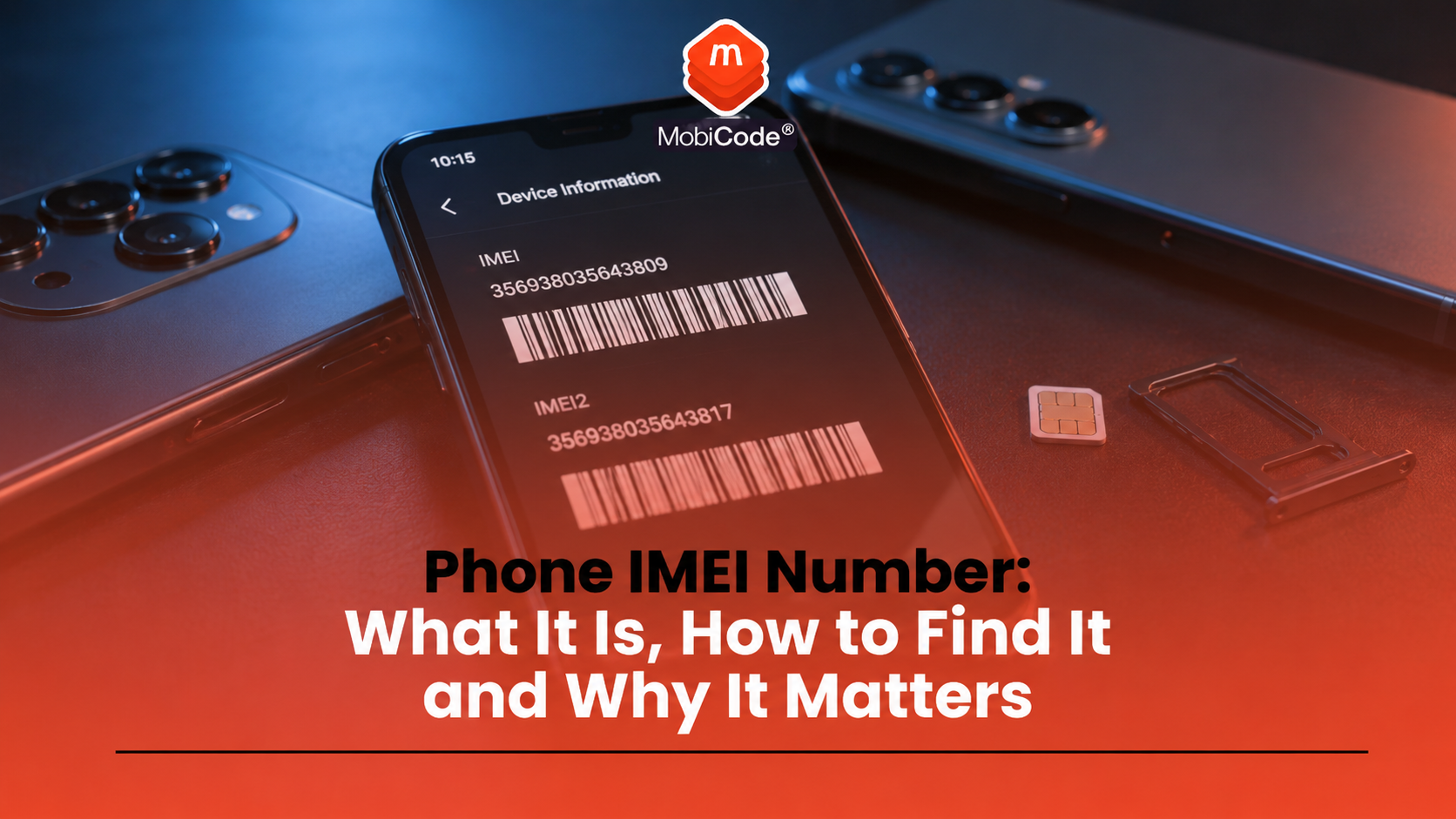
A phone IMEI number is one of the most important identifiers on a mobile device. It helps identify the handset, supports lost or stolen phone reporting, and allows businesses to check device status before buying, processing or reselling a used phone.
Most people only look for an IMEI number when something urgent happens. They may need it to report a stolen phone, unlock a device, make an insurance claim, complete a trade-in, or check whether a phone is blocked. For recyclers, retailers, refurbishers and trade-in teams, the IMEI is part of the everyday device-checking workflow.
This guide explains what a phone IMEI number is, how to find it on iPhone and Android, why it matters, and how MobiCode helps businesses check and process devices more reliably.
What is a phone IMEI number?
A phone IMEI number is a unique identification number assigned to a mobile device. IMEI stands for International Mobile Equipment Identity. In simple terms, it helps identify the physical handset rather than the person using it.
Ofcom describes the IMEI as a unique 15-digit serial number. It says users may need this number to get a phone blocked if it is lost or stolen.
That makes the IMEI different from a phone number. Your mobile number belongs to your SIM or mobile account. The IMEI belongs to the device itself.
How to show your phone IMEI number quickly
The quickest way to show your phone IMEI number on many devices is to dial:
Open the phone app, type *#06#, and the device should display its IMEI number on screen. Ofcom and the Metropolitan Police both refer to this as a way to find your IMEI number.
This method is useful because it works on many iPhones and Android phones. However, you can also find the IMEI in device settings, on the original box, or through device-management services depending on the handset.
How to find the IMEI number on iPhone
Apple says the easiest place to find an iPhone IMEI is usually the Settings app. The steps are simple:
- Open Settings
- Tap General
- Tap About
- Scroll until you see IMEI or IMEI/MEID
- Touch and hold the number if you need to copy it
Some iPhones may also show the IMEI on the SIM tray, in the original packaging, or in Apple account-related areas. The Settings route is normally the easiest if the phone turns on and you can access it.
For sellers and trade-in teams, the Settings screen can be useful because it lets staff confirm the IMEI directly from the device before recording it.
How to find the IMEI number on Android
Android phones vary by manufacturer, but the common route is through the Settings app.
A typical Android IMEI check looks like this:
- Open Settings
- Tap About phone
- Look for IMEI
- Check whether the device shows one IMEI or more than one
Google’s Pixel support guidance says users can find the IMEI on the phone’s box, SIM card tray, Settings app or Google Find My Device. It also explains that dual-SIM devices may show an IMEI for SIM slot 2.
Because Android menus differ, the exact wording may change. Some phones use terms such as Status, Phone identity, Device information or SIM status.
Why some phones have two IMEI numbers
Some phones have more than one IMEI number. This is common on dual-SIM or eSIM-capable devices. A phone may show IMEI 1 for one SIM slot and IMEI 2 for another.
This matters because businesses need to capture the correct identifiers. A trade-in team may need to record both IMEI numbers if the phone has dual-SIM capability.
For example, Google’s Pixel guidance explains that users may need IMEI 2 when using Dual SIM Dual Standby. In a resale or device-checking workflow, recording both identifiers can help avoid confusion later.
Where else can you find a phone IMEI number?
If the phone will not turn on, there may still be other ways to find the IMEI.
You may be able to check:
- the original phone box
- the SIM tray on some models
- the purchase receipt or invoice
- your mobile network account
- Apple or Google device-management services
- device records held by a business or trade-in platform
If a phone has been stolen and you cannot access it, Citizens Advice says you can ask your network provider for the phone’s IMEI number. You may need to give the IMEI to the police.
Why a phone IMEI number matters if a device is lost or stolen
A phone IMEI number is especially important when a device is lost or stolen. Ofcom advises people to keep a record of their phone’s IMEI, make and model. It says the IMEI is needed to get a phone blocked.
The Metropolitan Police also advises people to keep a note of the IMEI somewhere other than on the phone. That matters because you may not be able to access the device after it has gone missing.
If your phone is stolen, the IMEI can help with:
- reporting the theft to police
- asking your network provider to block the phone
- supporting an insurance claim
- identifying the device if recovered
- reducing the chance of the phone being used normally on networks
Is an IMEI number the same as a serial number?
No. A phone IMEI number and a serial number are not the same thing.
The IMEI identifies the mobile device for network and device-status purposes. A serial number is usually a manufacturer identifier used for warranty, support and product records.
Both numbers can matter. For example, a repair centre may ask for the serial number, while a network provider, police report or trade-in check may require the IMEI.
Businesses that process used phones should capture the IMEI accurately and may also record the serial number, model, storage size, colour and other device details.
Can an IMEI number tell you if a phone is stolen?
The IMEI number itself does not tell you everything. It is the identifier used to run checks against relevant datasets.
An IMEI check may help identify whether a device is:
- reported lost or stolen
- network blocked
- linked to an insurance claim
- affected by finance indicators where available
- risky or unclear before resale
For consumers, an IMEI can help when reporting a stolen phone. For businesses, IMEI checks form part of due diligence before buying or reselling a used device.
Why IMEI checks matter before buying a used phone
A used phone can look clean and still carry risk. It may power on normally, have no obvious damage and come with a believable explanation from the seller. That does not prove it is safe to buy.
Before buying a used phone, the buyer should consider whether:
- the IMEI matches the device record
- the device has been reported lost or stolen
- the phone is network blocked
- there are finance or insurance concerns where available
- the phone is locked to an account or network
- the device has been properly tested and wiped
A phone IMEI number is therefore the starting point for a better device check. It is not the whole check by itself.
Why businesses need accurate IMEI capture
For recyclers, refurbishers, retailers and trade-in businesses, IMEI accuracy is essential. A single wrong digit can attach a check result to the wrong handset.
That can create problems with:
- stock records
- trade-in valuation
- blacklist checks
- unlocking requests
- warranty handling
- customer disputes
- audit trails
A strong workflow should capture the IMEI directly from the device where possible. It should also connect the IMEI to testing, wiping, grading and resale decisions.
How MobiCode supports phone IMEI number checks
MobiCode helps businesses use the phone IMEI number as part of a wider device-checking process.
- IMEI and status checks: MobiCHECK helps teams check device identifiers against relevant datasets before purchase, processing or resale.
See: MobiCHECK - Used-device checking: MobiCode CHECK supports stronger due diligence for used phones before they move further through the business.
See: MobiCode CHECK - Device testing: MobiCode TEST helps teams test phones more consistently before resale.
See: MobiCode TEST - Connected workflows: MobiONE helps link checks, tests, wipe results and device records in one operational process.
See: MobiONE - Secure data erasure: MobiWIPE supports clearer data-erasure workflows before devices are released.
See: MobiWIPE
For trade teams, the value comes from consistency. Each IMEI should connect to a clear device record, a reliable check result and a defensible processing decision.
Common mistakes when checking a phone IMEI number
Most IMEI mistakes come from rushing the process or assuming that one check answers every question.
Common mistakes include:
- typing the IMEI incorrectly
- checking only one IMEI on a dual-SIM phone
- confusing IMEI with the serial number
- assuming an IMEI check proves the phone is fully resale-ready
- not recording where the IMEI came from
- failing to re-check devices before resale when needed
- ignoring account locks, network locks or functional faults
A better process combines IMEI capture with status checks, functional testing, data erasure and clear device records.

Phone IMEI number and trade-in checks
A phone trade-in should not rely on condition alone. A device may look good but still fail status checks, show an account lock, have a network issue or need further review.
A sensible trade-in workflow should include:
- capture the phone IMEI number
- confirm the make and model
- check status and risk indicators
- test the screen, battery, cameras, audio and ports
- check account lock or activation lock status
- complete secure data erasure where appropriate
- record the final grade and resale route
This gives the business a clearer view of the handset and reduces the risk of avoidable disputes.
Commercial takeaway: phone IMEI number
A phone IMEI number is the unique device identity that supports lost-phone reporting, network blocking, IMEI checks, trade-in processing and used-phone due diligence.
For consumers, the most useful step is simple: find your IMEI before you need it and store it somewhere safe. You can usually show it by typing *#06#, or by checking the device settings.
For businesses, the IMEI should sit at the centre of the device workflow. Accurate IMEI capture, status checks, testing, data erasure and record keeping all help teams make better decisions before buying, processing or reselling used phones.
A practical example before selling a phone
A seller wants to trade in an Android phone. Before quoting a final value, the trade-in team asks for the phone IMEI number. The seller types *#06# and shows the number on screen.
The team records the IMEI, confirms the model, runs relevant checks and then tests the device. If the phone passes status checks, function tests and data-erasure steps, the business can process it with more confidence.
FAQ: phone IMEI number
What is a phone IMEI number?
A phone IMEI number is a unique device identity number used to identify a mobile handset. It is different from your mobile number or SIM number.
How do I show my IMEI number?
On many phones, open the phone app and type *#06#. The IMEI number should appear on screen. You can also check the device settings.
Where is the IMEI number on iPhone?
On iPhone, open Settings, tap General, then About. Scroll until you see IMEI or IMEI/MEID.
Where is the IMEI number on Android?
On many Android phones, open Settings, tap About phone, then look for IMEI. Some devices may show IMEI information under Status, SIM status or Device information.
Why do I need my IMEI number if my phone is stolen?
You may need the IMEI number to report the phone to your network provider, ask for the device to be blocked, support an insurance claim or provide details to the police.
Can an IMEI check prove a phone is safe to buy?
Not by itself. An IMEI check can show important device-status information, but buyers and businesses should also consider account locks, network locks, testing, data erasure, condition and seller evidence.
References and Further Reading
- Apple Support: Find the serial number, EID or IMEI on your iPhone
- Google Pixel Help: Find your IMEI and other phone ID numbers
- Ofcom: Lost or stolen phone
- Metropolitan Police: Protect your mobile phone
- Citizens Advice: What to do if your mobile phone is lost or stolen
- MobiCHECK
- MobiCode CHECK
- MobiCode TEST
- MobiONE
- MobiWIPE
- MobiCode Solutions for Recyclers