

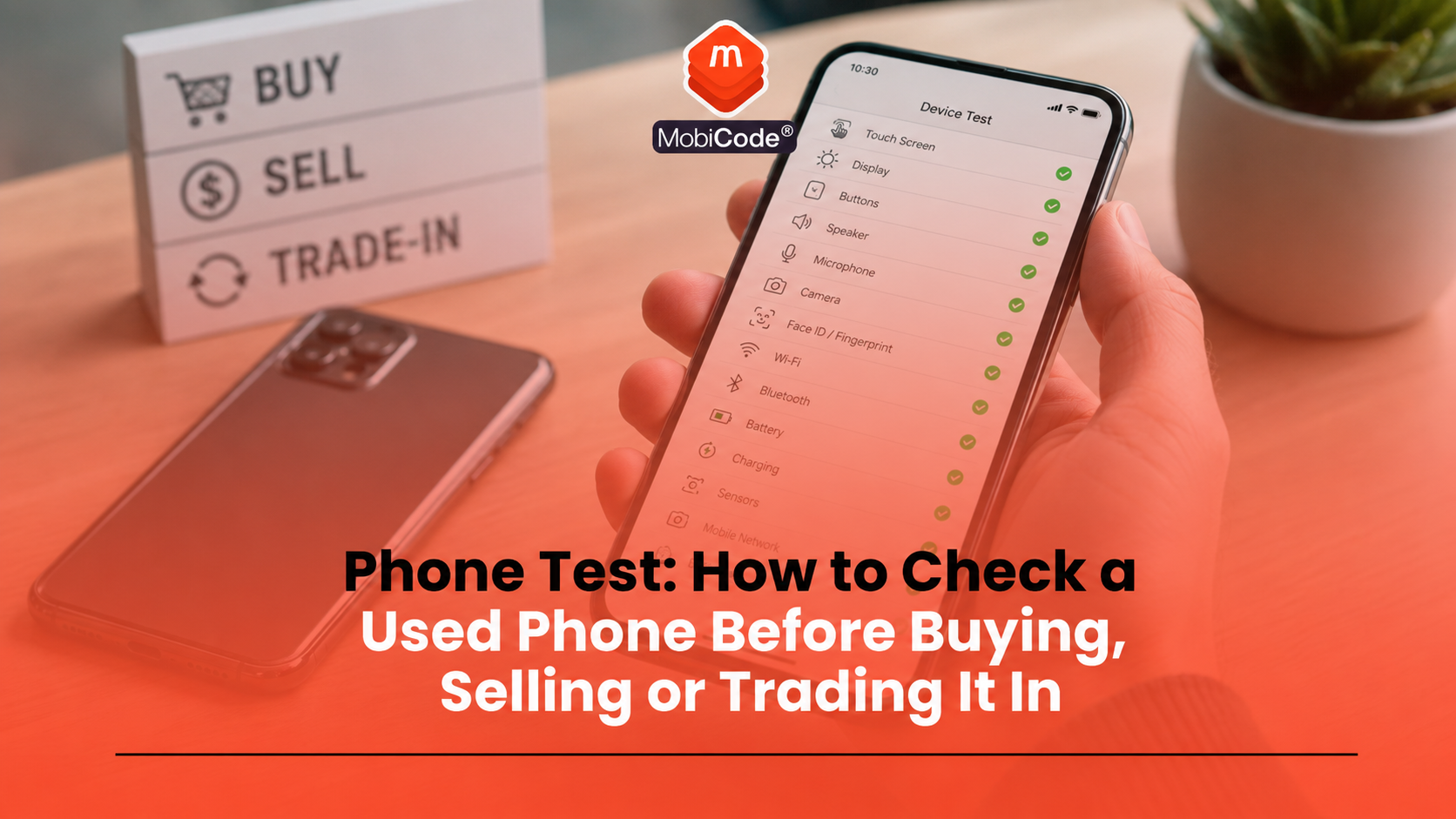
A phone test should check far more than whether a used mobile turns on. A device can power up, look clean and still have faults with the screen, battery, cameras, speakers, ports, wireless features, account locks or IMEI status.
For private buyers, a basic check can reduce the risk of buying a faulty second-hand phone. For retailers, recyclers, refurbishers and trade-in teams, a structured phone test helps support accurate grading, fair pricing, fewer returns and better resale decisions.
This guide explains how to test a used phone before buying, selling or trading it in. It covers physical checks, screen testing, battery health, cameras, audio, ports, connectivity, IMEI checks, lock status, data erasure and how MobiCode supports professional mobile phone testing workflows.
What is a phone test?
A phone test is a structured check of a mobile phone’s condition, functions, identity and resale readiness. It should cover both what you can see and what you cannot see.
A quick visual check may spot cracks, dents or missing buttons. A proper test goes further. It checks whether the device works as expected, whether the IMEI is recorded correctly, whether the phone shows any lock or status risks, and whether the device is safe to sell or process.
Why testing a used phone matters
Used phones can hide problems. A handset may look almost new but still have weak battery health, a damaged microphone, a faulty charging port, poor camera performance or account-lock issues.
For buyers, testing helps avoid expensive mistakes. For businesses, it helps reduce customer complaints, returns and incorrect grading.
A good testing workflow can help identify:
- visible cosmetic damage
- screen or touch faults
- battery health issues
- camera and flash problems
- speaker and microphone faults
- charging and port issues
- connectivity problems
- IMEI, blacklist or lock risks
- data-erasure requirements
Samsung’s Members app includes Diagnostics that can test multiple phone features, and Google provides diagnostics tools for Pixel devices. That shows how important structured device checks have become for modern smartphones. Samsung says users can open Samsung Members, tap Support, then View tests or Phone Diagnostics to start checks. Google says Pixel 3 and later includes a Pixel Repair Diagnostics App that helps check phone performance. :contentReference[oaicite:0]{index=0}
Start with the outside of the phone
Begin with a careful visual inspection. This is the simplest part of the test, but it still matters.
Check for:
- cracks on the front or back glass
- dents, bends or frame damage
- loose buttons
- damaged camera lenses
- signs of water damage
- missing SIM trays
- unusual gaps around the screen or casing
For trade teams, cosmetic condition affects grade and resale value. Record damage clearly so the final listing or resale category matches the actual device condition.
Check the screen and touch response
The screen is one of the most important parts of any used phone. A good phone test should check display quality and touch response.
Look for:
- dead pixels
- screen burn-in
- brightness problems
- flickering
- touch dead zones
- ghost touches
- cracks under a screen protector
Open different screens, type on the keyboard, swipe across the display and test the edges. Faults near the edges can be easy to miss during a quick check.
Test battery health and charging
Battery condition can strongly affect resale value and user experience. A phone with a weak battery may still work, but it may not meet buyer expectations.
On iPhone, users can check battery health in Settings, depending on iOS version and model. Apple also provides a Parts and Service History section for repaired iPhones running iOS 15.2 or later, which can show information about certain replaced parts. :contentReference[oaicite:1]{index=1}
On Android, the route varies by manufacturer. Some devices include battery-health information, while others require diagnostics tools or professional testing.
Check:
- whether the phone charges normally
- whether the charging port feels loose
- whether the device heats unusually during charging
- whether battery health or diagnostics show concern
- whether wireless charging works if supported
For businesses, battery testing should form part of grading because poor battery performance can lead to returns.
Test the cameras and flash
A modern phone’s cameras affect resale value heavily. Buyers often expect front and rear cameras to work without issue.
Test:
- front camera
- main rear camera
- ultrawide, telephoto or macro lenses where present
- video recording
- autofocus
- flash
- portrait or focus modes where relevant
Take a few photos in good light and lower light. Check for blurry areas, black spots, focus problems or camera app errors.
Check speakers, microphone and vibration
Audio faults can be frustrating for buyers and easy to miss during a rushed inspection.
A basic phone test should check:
- earpiece speaker
- loudspeaker
- microphone
- video recording audio
- Bluetooth audio where relevant
- vibration motor or haptics
Make a test call if possible, record a short voice note and play music or a video through the speaker. If the sound is distorted, very quiet or intermittent, the device may need repair or a lower grade.
Test buttons, ports and SIM functions
Physical controls and ports still matter even on modern phones. A device may look good but have a damaged charging port, weak button response or SIM-reader problem.
Check:
- power button
- volume buttons
- mute switch or action button where relevant
- charging port
- SIM tray
- SIM detection
- headphone port where present
Insert a SIM where appropriate and check whether the device recognises it. If the phone is locked to a network, record that clearly rather than assuming it is unlocked.
Check Wi-Fi, Bluetooth, NFC and mobile signal
Connectivity faults can reduce a phone’s usability and resale value. A complete check should include common wireless functions.
Test:
- Wi-Fi connection
- Bluetooth pairing
- NFC where supported
- mobile network signal
- GPS or location behaviour where practical
- hotspot function if relevant
Samsung’s diagnostic tools can test features such as NFC, SIM card, mobile network, sensors, speakers, camera, touch screen and Bluetooth on Galaxy devices. :contentReference[oaicite:2]{index=2}
For businesses, these checks support more accurate grading and reduce the chance of selling a device with hidden faults.
Check the IMEI and device identity
A visual phone test is not enough. You also need to confirm the device identity.
Check the IMEI by typing:
Then compare the IMEI with the device record, box, invoice or system entry where available. Dual-SIM devices may show more than one IMEI, so record both where relevant.
For used-device businesses, accurate IMEI capture is essential because the IMEI supports status checks, blacklist checks, unlocking workflows, data records and audit trails.
- IMEI and device status checks: MobiCHECK
- Used-device due diligence: MobiCode CHECK
Check whether the phone is locked
A phone can pass functional testing and still create problems if it has a lock issue.
Check for:
- network lock or carrier lock
- iCloud or Apple Account lock
- Google account lock or Factory Reset Protection
- screen lock or passcode lock
- MDM or business-management restrictions
A factory reset does not automatically remove every lock. A network-locked phone may remain network locked after reset, and an account-linked device may still ask for the previous owner’s credentials during setup.
For resale, lock status should be clear before the phone leaves the business.
Check repair history where available
Repair history can affect confidence, grading and resale value.
On iPhone, Apple says iOS 15.2 and later can show Parts and Service History in Settings, General, About if the iPhone has had certain repairs. The section may show whether a repair used a genuine Apple part or whether the part appears as unknown. :contentReference[oaicite:3]{index=3}
This information does not replace testing. A genuine part can still need checking, and a phone without visible repair history can still have faults. However, repair history can help buyers and trade teams understand the device better.
Check data erasure before resale
A used phone should not be resold with previous user data still present. For private sellers, this usually means backing up the phone and following the official erase or factory reset process.
For businesses, data erasure should be more controlled. Teams need to know which device was erased, when it happened and what result was recorded.
MobiWIPE supports professional data-erasure workflows before devices move to resale, reuse or recycling.
How MobiCode supports phone testing workflows
MobiCode helps businesses run more consistent used-phone checks across testing, IMEI status, data erasure and workflow management.
- Functional testing: MobiCode TEST helps teams test used phones more consistently before resale.
See: MobiCode TEST - IMEI and status checks: MobiCHECK helps teams check device risk before buying, processing or reselling stock.
See: MobiCHECK - Device due diligence: MobiCode CHECK supports stronger checks before used devices move further through the business.
See: MobiCode CHECK - Secure data erasure: MobiWIPE supports clearer erase workflows and device-level records.
See: MobiWIPE - Connected workflow: MobiONE helps link checks, tests, wipe results and device records in one operational process.
See: MobiONE
For recyclers, refurbishers, insurers, retailers and trade-in teams, the value is consistency. Each device should have a clear test result, status check and processing decision.

A practical checklist before buying a used phone
Before buying a used phone privately, check as much as possible before paying.
A simple buyer checklist includes:
- Inspect the phone for damage.
- Check the screen and touch response.
- Test the cameras, speaker and microphone.
- Check charging and battery condition.
- Confirm Wi-Fi, Bluetooth and mobile signal.
- Type *#06# and record the IMEI.
- Check lock status and account status.
- Ask for proof of ownership where appropriate.
- Avoid any seller who rushes or refuses basic checks.
This does not guarantee a perfect device, but it reduces the risk of avoidable problems.
A practical checklist for trade-in teams
Trade-in teams need a more structured process than private buyers. The workflow should create a reliable record for each handset.
A professional checklist should include:
- Capture IMEI, serial number, make, model, storage and colour.
- Run device status and blacklist checks.
- Check account, network and MDM lock status.
- Run functional testing across key hardware features.
- Check battery health or battery performance.
- Complete secure data erasure where required.
- Record the final grade and decision.
- Route the device for resale, repair, parts or recycling.
This creates a stronger audit trail and supports better commercial decisions.
Common mistakes during a phone test
Most mistakes happen when people rush the process or focus only on appearance.
Common mistakes include:
- checking only whether the phone turns on
- forgetting the IMEI check
- missing account-lock problems
- not testing microphones or speakers
- ignoring weak battery performance
- forgetting NFC, Bluetooth or Wi-Fi checks
- assuming factory reset means resale-ready
- not recording test results properly
A clear workflow helps avoid these problems.
Commercial takeaway: phone test
A phone test should check the whole device, not just the screen or power button. A used phone needs physical inspection, functional testing, IMEI checks, lock checks, status checks and proper data handling before resale.
For private buyers, a simple checklist can prevent costly mistakes. For businesses, structured testing improves grading accuracy, reduces returns and supports a better audit trail.
MobiCode helps trade teams make phone testing more consistent by connecting diagnostics, IMEI checks, data erasure and device records into clearer workflows.
A practical example before resale
A refurbisher receives a batch of used Android phones. Several devices look almost new, but the team does not grade them on appearance alone.
Staff capture each IMEI, run status checks, test screen response, cameras, speakers, charging, battery behaviour, Wi-Fi, Bluetooth and NFC where supported. They then complete data-erasure steps and record the final grade. Devices with faults move to review, repair or parts rather than normal resale.
FAQ: phone test
What is a phone test?
A phone test is a structured check of a mobile phone’s physical condition, functions, identity, lock status and resale readiness.
How do I test a used phone before buying it?
Check the screen, touch response, cameras, speakers, microphone, charging port, battery, Wi-Fi, Bluetooth, mobile signal, IMEI and lock status before paying.
What is the code to check a phone IMEI?
On many phones, type *#06# in the phone app to show the IMEI number.
Does a phone test prove a device is safe to buy?
Not by itself. A phone test helps identify faults, but buyers should also consider ownership evidence, IMEI status, account locks, network locks and seller reliability.
What should businesses test before reselling a phone?
Businesses should test screen, battery, cameras, audio, ports, wireless features, lock status, IMEI status and data-erasure results before resale.
How does MobiCode help with phone testing?
MobiCode TEST supports structured phone diagnostics, while MobiCHECK, MobiWIPE and MobiONE help connect status checks, data erasure and device records into a clearer workflow.