

What is phone testing software?
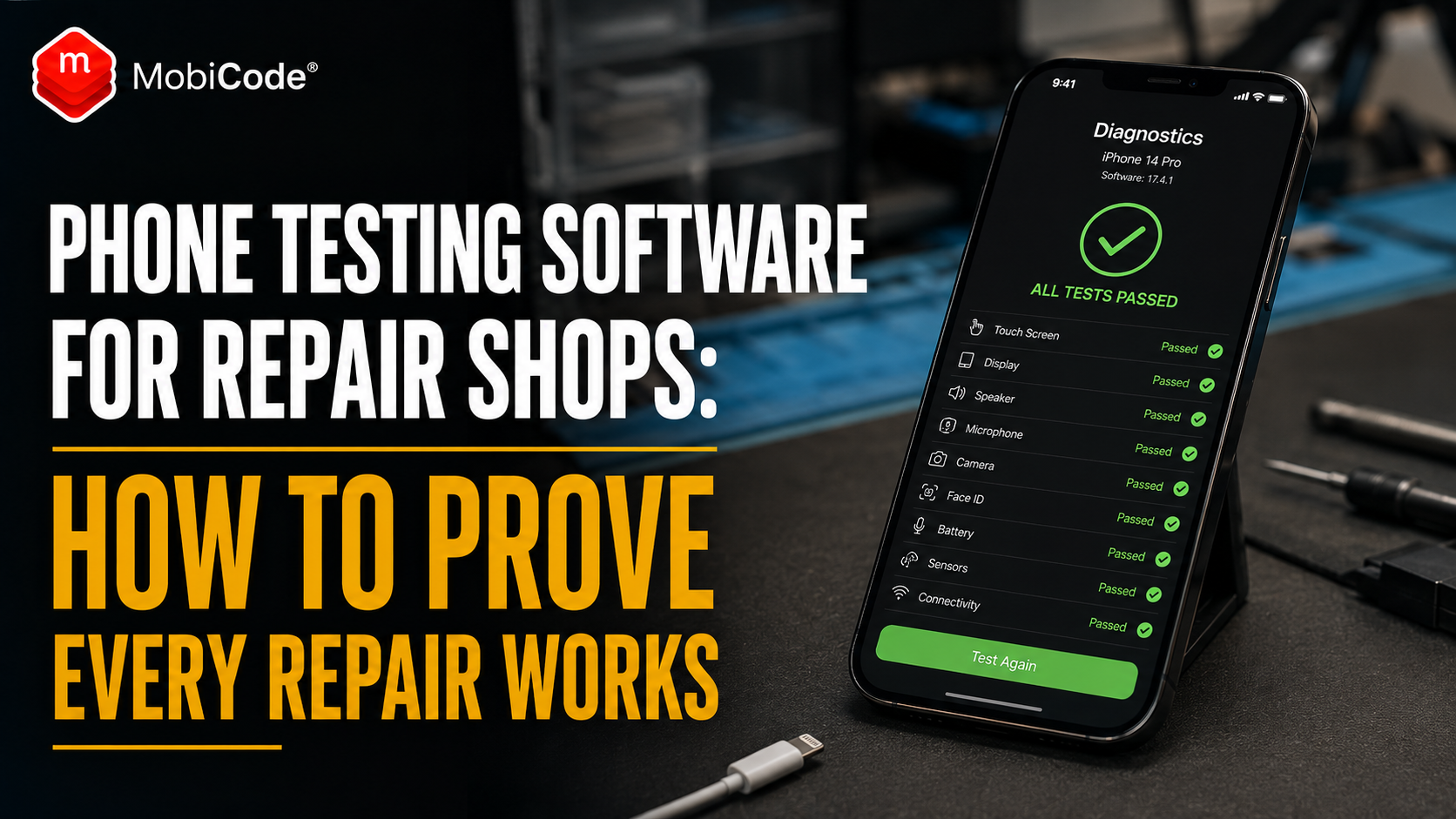
Phone testing software guides a technician through checks on a mobile phone’s hardware and functions. It records whether each feature passes, fails or needs further review. For example, the software may check:
- screen quality and touch response;
- front and rear cameras;
- speaker and earpiece;
- microphones;
- battery condition;
- charging;
- buttons and vibration;
- Wi-Fi and Bluetooth;
- NFC;
- SIM detection and mobile signal;
- sensors and biometric features.
However, the most useful systems do more than run isolated checks. They connect each result to the right IMEI, serial number, repair job and final outcome.
Why a quick manual check is not enough
Experienced technicians often know how to spot obvious faults quickly. Nevertheless, memory and informal checks become unreliable when a shop gets busy. A technician may test the new screen but forget the proximity sensor. Another may check the loudspeaker but not the earpiece. Meanwhile, a third member of staff may use a completely different process. As a result, the quality of the final repair can depend on who handled the job and how much time they had. Informal testing also creates problems when a customer returns. Without a recorded pre-repair result, the shop may not know whether a disputed fault existed before the work started. A structured test gives the business a consistent baseline. It also makes the final quality-control check easier to repeat.
Run a baseline test before opening the phone
The first test should happen before the technician starts the repair, whenever the device condition allows it. This baseline establishes what already works and what already fails. Therefore, it protects both the customer and the shop. Before-repair testing should record:
- the customer’s reported fault;
- other faults found during intake;
- screen and touch condition;
- camera operation;
- speaker and microphone results;
- charging behaviour;
- battery condition where available;
- buttons, vibration and sensors;
- wireless and SIM functions;
- cosmetic damage.
For instance, a customer may book a screen replacement, while the baseline test also finds a weak earpiece and faulty NFC. The shop can then explain those findings before work begins rather than discovering them during a dispute.
Match the test to the correct device
Every result should link to the correct phone. Otherwise, even a thorough test may have little value. A reliable repair record should include:
- IMEI number;
- IMEI 2 where relevant;
- serial number;
- make and model;
- storage and colour where useful;
- repair job reference;
- customer reference;
- technician or operator;
- test date and time.
In particular, the IMEI helps prevent confusion when several similar devices sit on the same workbench. MobiCHECK can also support device identity and status checks before a shop buys, repairs or resells a handset.
- IMEI and device checks: MobiCHECK
- Broader device due diligence: MobiCode CHECK
Test again immediately after repair
Once the technician completes the work, the phone should go through another structured test. This second check should confirm that:
- the original fault has been resolved;
- the replacement part works correctly;
- the repair has not affected another feature;
- the phone can complete normal setup and use;
- the device is ready for customer collection.
Google recommends using its Pixel Repair Diagnostics App before and after a repair. Likewise, Samsung recommends running diagnostics after self-repair to confirm that the device works correctly. The principle applies to every professional repair shop: test before the work, then test again afterwards.
What to test after a screen replacement
A successful screen replacement involves more than getting an image on the display. After replacing a screen, check:
- touch response across the full panel;
- display brightness and colour;
- dead zones or ghost touches;
- front camera;
- earpiece speaker;
- proximity sensor;
- ambient light sensor;
- face recognition or fingerprint features where applicable;
- buttons close to the repaired area;
- charging and normal startup.
For example, a new screen may display correctly but interfere with the proximity sensor. The customer might only notice when the screen stays active during calls. Therefore, a complete post-repair test protects the shop from handing back a phone that looks repaired but still has a practical problem.
What to test after a battery replacement
A battery replacement also needs more than a successful power-on check. After fitting a battery, test:
- whether the device recognises the battery;
- charging through the normal port;
- wireless charging where supported;
- unexpected shutdowns;
- temperature during use and charging;
- battery status information where available;
- power and volume buttons;
- screen and touch response;
- normal restart behaviour.
In addition, technicians should check that the device closes correctly and shows no sign of swelling, pressure or poor fit. A clear result gives the shop more confidence when it provides a repair warranty.
What to test after charging-port repair
Charging-port jobs can affect several features because the lower assembly may include microphones, antennas or other connected components. Once the repair is complete, check:
- wired charging;
- cable fit and stability;
- data connection where relevant;
- bottom microphone;
- speaker;
- mobile signal;
- Wi-Fi and Bluetooth;
- headphone or accessory connection where supported.
A phone that accepts a charging cable may still have an unstable connection or failed microphone. Consequently, the technician should test the wider function of the repaired area.
Check cameras, audio and call functions
Customers notice camera and audio faults quickly. Even so, repair shops can miss them if the job involved another part of the device. A proper phone test should cover:
- front camera photos and video;
- rear camera lenses;
- autofocus;
- flash;
- video recording;
- earpiece speaker;
- loudspeaker;
- primary and secondary microphones;
- normal call audio.
Where possible, the test should create a clear pass or fail result rather than a vague note such as “seems fine”. MobiCode TEST helps repair teams run these checks more consistently.
- Structured mobile diagnostics: MobiCode TEST
Do not forget NFC, sensors and connectivity
Less visible functions often cause comeback jobs because staff do not test them at the counter. Depending on the phone, check:
- NFC;
- Wi-Fi;
- Bluetooth;
- GPS;
- accelerometer;
- gyroscope;
- proximity sensor;
- ambient light sensor;
- vibration motor;
- SIM and eSIM functions.
For example, a customer may not notice failed NFC until they try to make a contactless payment. Similarly, a proximity-sensor problem may only appear during a call. By testing these features before handover, the shop reduces the chance of an avoidable return.
Manufacturer tools help, but shops need one workflow
Several manufacturers provide useful diagnostic options. Samsung includes diagnostics in the Samsung Members app. Google provides repair diagnostics for supported Pixel devices. Apple also supplies repair manuals, tools and diagnostic processes for supported Self Service Repair work. These tools can help technicians understand individual devices. However, a repair shop may handle Apple, Samsung, Google, Motorola, Xiaomi and other brands every day. As a result, relying only on separate manufacturer tools can create a fragmented process. Staff may use different apps, record results in different places and leave no consistent shop-level record. A trade-focused platform can bring those results into a more controlled workflow across mixed stock.
Protect customer data during repair
Testing sometimes requires access to device functions. Therefore, shops need a clear approach to customer privacy. Google’s Repair Mode, for example, lets supported Pixel users protect personal data while making diagnostic features available to technicians. Other devices and platforms may use different repair or maintenance modes. Before accepting a phone, explain:
- whether the device needs to be unlocked;
- whether the customer should back up data;
- which functions the technician will test;
- whether a repair mode is available;
- what happens if the device needs a reset;
- how the shop handles customer information.
If a reset or erasure becomes necessary, the shop should record the process clearly. MobiWIPE supports controlled data-erasure workflows where a device needs preparation for resale, reuse or another route.
- Controlled data erasure: MobiWIPE
Use test results to reduce customer disputes
A customer may return after repair and report a new problem. Sometimes the repair caused the issue. In other cases, the fault existed before the work or developed separately. Without evidence, the discussion can become one person’s word against another. A before-and-after record gives the shop a clearer basis for resolving the issue. Staff can review:
- the original reported fault;
- the pre-repair test;
- work completed;
- parts used;
- the post-repair result;
- the device collected by the customer;
- the new complaint.
This does not mean the shop should reject every complaint. Instead, the evidence helps staff make fairer and faster decisions.
Testing supports a stronger repair warranty
A repair warranty becomes easier to manage when the business knows exactly what it tested. For example, if a shop replaces a screen and records that touch, display, front camera, earpiece and proximity sensor all passed afterwards, it has a useful quality-control record. That record can help the shop:
- handle genuine warranty faults quickly;
- identify accidental damage after collection;
- spot repeat failures from a part supplier;
- improve technician training;
- understand which repairs create the most returns.
Therefore, diagnostics should form part of the warranty workflow rather than sit outside it.
Give customers a test summary
A simple test summary can make a repair feel more professional. The summary might show:
- device model and IMEI reference;
- repair completed;
- key features tested;
- pass or fail results;
- remaining issues;
- repair warranty information;
- date of completion.
Customers do not need a highly technical report. Nevertheless, a clear summary shows that the shop checked more than the replacement part. It can also support trust, reviews and repeat business.
Track repeat faults and technician performance
Testing data becomes more valuable over time. Managers can use it to ask:
- Which repairs create the most comeback jobs?
- Which replacement parts fail most often?
- Which models take the longest to test?
- Which faults do technicians commonly miss?
- Which supplier batches create repeat problems?
- Does one repair type need a stronger checklist?
This information helps a shop improve purchasing, training and quality control. MobiONE helps connect checks, tests and device records in one operational workflow.
- Connected repair and testing workflow: MobiONE
What should repair shops look for in testing software?
The right system should fit the actual shop workflow. Useful features include:
- support for multiple manufacturers and models;
- guided functional tests;
- IMEI and serial capture;
- before-and-after comparisons;
- clear pass, fail and review results;
- technician and timestamp records;
- customer or job references;
- exportable test reports;
- connections to device checks and erasure;
- batch and management reporting.
Most importantly, the software should make the correct process faster. If it adds unnecessary work, busy technicians may avoid using it.

How MobiCode supports phone repair testing
MobiCode helps repair shops and used-device businesses check, test and record mobile phones more consistently.
- MobiCode TEST: helps technicians run structured functional tests before and after repair. See: MobiCode TEST
- MobiONE: helps connect test results, checks and device records in one operational workflow. See: MobiONE
- MobiCHECK: helps teams review IMEI and device status before buying, repairing or reselling a phone. See: MobiCHECK
- MobiCode CHECK: supports broader due diligence when a device needs further review. See: MobiCode CHECK
- MobiWIPE: supports controlled erasure workflows where a phone needs data removal before resale or reuse. See: MobiWIPE
- MobiUNLOCK: supports professional workflows for devices with network restrictions. See: MobiUNLOCK
Together, these services help a shop move beyond informal testing and create a clearer record for each device.
Common phone-testing mistakes
Most quality-control problems come from incomplete or inconsistent testing. Common mistakes include:
- testing only the repaired part;
- skipping the pre-repair baseline;
- forgetting microphones, sensors or NFC;
- recording results against the wrong device;
- using vague notes instead of pass or fail results;
- allowing every technician to use a different process;
- handing the device back before the final test;
- failing to track repeat faults and comeback repairs.
A structured workflow reduces these mistakes without replacing technician judgement.
Commercial takeaway: phone testing software
Phone testing software helps repair shops protect margin, improve quality and reduce comeback jobs. The key is to test the device before work starts, repeat the same checks after repair and attach both results to the correct phone. For customers, that creates a more professional repair experience. For shop owners, it gives clearer evidence, better warranty control and useful data about parts, faults and technician performance. MobiCode helps repair shops build this workflow through structured diagnostics, connected device records, IMEI checks, erasure and unlocking support.
A practical example after a screen repair
A customer brings an iPhone into a UK repair shop with a cracked screen. During intake, the technician runs a baseline test. The screen has severe damage, but the front camera, earpiece and proximity sensor all pass. After fitting the new screen, the technician repeats the test. The display and touch pass, but the proximity sensor now fails. Instead of handing the phone back, the technician reopens the device and corrects the sensor alignment. The final test then passes. Without the post-repair check, the customer might have discovered the problem during a call and returned unhappy. Instead, the shop catches the issue before collection and records evidence that the completed repair works.
FAQ: phone testing software
What is phone testing software?
Phone testing software guides technicians through checks on a device’s screen, battery, cameras, audio, charging, connectivity, sensors and other functions while recording the results.
Should repair shops test phones before repair?
Yes. A pre-repair test records existing faults and gives the shop a baseline to compare with the final result after completing the work.
What should a phone shop test after screen replacement?
The shop should test the display, touch response, front camera, earpiece, proximity sensor, ambient light sensor, biometric features, buttons and charging.
How does phone testing reduce comeback repairs?
Structured testing helps technicians find missed faults before handover. It also highlights problems caused during repair and creates evidence of the device’s final condition.
Can manufacturer diagnostic apps replace repair-shop software?
Manufacturer apps can help with supported devices, but a repair shop may need one consistent workflow across different brands, technicians and repair jobs.
How does MobiCode help phone repair shops?
MobiCode helps repair shops run structured diagnostics, connect test results to device records, check IMEI status and support wider erasure and unlocking workflows.
References and Further Reading
- Google Pixel Help: Repair your own Pixel device and use repair diagnostics
- Google Pixel Help: Use Repair Mode for repair services
- Samsung UK: How to use Samsung Members Diagnostics
- Samsung UK: Self Repair and post-repair diagnostics
- Apple Support: Self Service Repair
- GOV.UK: Accepting returns and giving refunds
- MobiCode TEST
- MobiONE
- MobiCHECK
- MobiCode CHECK
- MobiWIPE
- MobiUNLOCK