

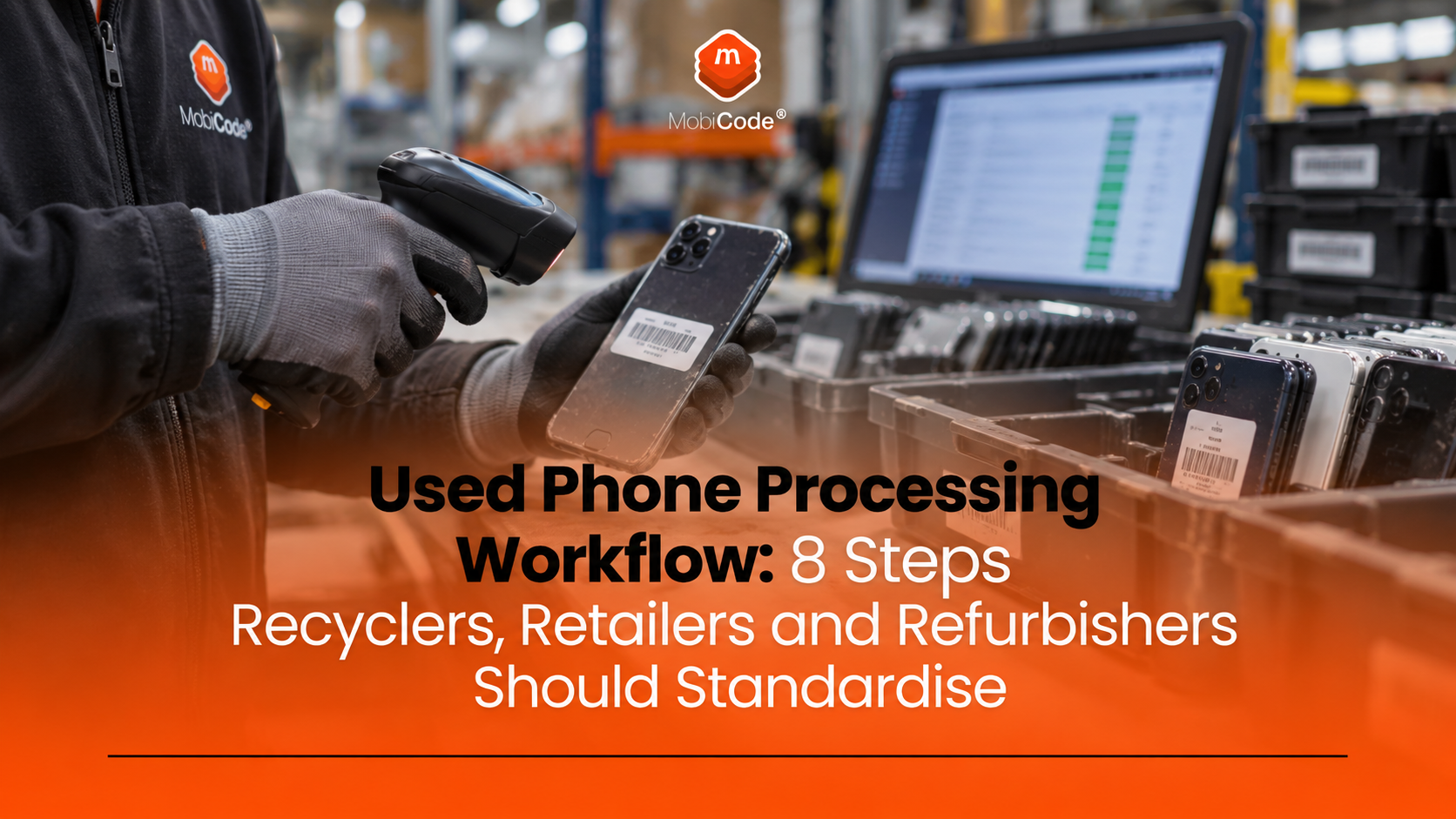
A good used phone processing workflow does much more than check whether a handset switches on. It connects device identity, IMEI due diligence, functional testing, grading, data erasure, reporting and the final commercial decision.
For recyclers, refurbishers, trade-in operators and retailers, each handoff creates another opportunity for error. A device may enter stock with a hidden status problem, pass an inconsistent test, receive the wrong grade, retain customer data or become difficult to trace when a dispute appears later.
The solution is not simply “more testing”. Businesses need a repeatable process in which every important decision connects back to the correct handset. This guide explains the eight stages worth standardising and where MobiCode tools can support them.
The commercial objective
A strong used phone processing workflow should help your team answer four questions quickly: What device is this? Is it safe to buy or process? What condition is it actually in? What evidence do we have for the decision we made?
Why the used phone processing workflow matters
Used-device businesses make money by turning uncertain inbound stock into something they can value, repair, reuse, resell, recycle or reject with confidence.
That sounds simple until volume increases.
Once a team handles hundreds or thousands of devices, small inconsistencies become expensive. One member of staff may interpret a screen defect differently from another. A device may pass functional testing but carry a status warning. Another handset may be graded correctly but leave the business without adequate proof of data erasure.
Consequently, the quality of the workflow becomes just as important as the quality of the individual test.
Manual decisions become harder to control at scale
Experienced staff can make excellent judgement calls. However, a growing operation cannot depend entirely on one person’s memory or interpretation.
Processes need to remain consistent across different staff, shifts, locations and volumes.
That is why MobiCode positions its solutions around structured checking, guided diagnostics, workflow control, reporting and secure device processing rather than treating each stage as an isolated task.
The 8 stages of a strong used phone processing workflow
The exact order will vary between businesses. A retail trade-in desk has different requirements from a central refurbishment hub, while an insurer or network may apply additional controls.
Nevertheless, the following eight stages provide a practical model for most businesses handling pre-owned phones.
Capture the correct device record.
Investigate IMEI and status risk.
Run repeatable diagnostics.
Apply consistent commercial standards.
Repair, retest, resell or recycle.
Remove customer data securely.
Keep evidence and reporting together.
Manage later asset or fraud risk.
Step 1: identify the device correctly at intake
Every later decision depends on the business working with the correct device record.
Therefore, intake should capture enough information to distinguish one handset from another and link it to the transaction or source that brought it into the business.
Useful intake information
- IMEI;
- serial number;
- make and model;
- storage capacity;
- colour;
- supplier or customer reference;
- transaction reference;
- date and location of intake;
- initial condition notes;
- relevant photographs where required.
Capturing this information early makes later testing, returns, investigations and audit work much easier.
More importantly, it reduces the risk of results being attached to the wrong handset.
Step 2: run IMEI and device-status due diligence
A phone can appear physically perfect and still represent a poor purchasing decision.
Before committing full value to inbound stock, businesses should investigate relevant status risks.
MobiCHECK is MobiCode’s device due-diligence and status-checking service. The current product page says it checks IMEIs against several live datasets, including GSMA blacklist information, and can identify issues including lost or stolen reports, network blocks, finance status and insurance-related records.
Why status checks should happen early
If a business discovers a serious status problem after paying for the handset, testing it, repairing it and preparing it for resale, the commercial loss has already increased.
Running due diligence near the beginning of the used phone processing workflow allows the business to stop or investigate risky devices before more labour and money go into them.
Step 3: test the handset consistently
Once the business establishes that the device can proceed, the next question is functional condition.
Manual testing can work at very low volumes. However, inconsistency becomes harder to manage as teams and throughput grow.
MobiTEST uses guided workflows to help teams test handset functionality consistently. MobiCode says the system covers areas including hardware, connectivity, screen, sound and sensors, while also supporting reporting and device grading information.
Faster testing only matters if it remains repeatable
Speed is useful, but a fast test that misses faults simply transfers cost to another stage.
The objective should be a repeatable process that guides staff through the required checks with as little unnecessary handling as possible.
MobiCode states that MobiTEST can complete its guided handset-testing workflow in under two minutes and can support multiple connected devices.
Consistency helps reduce downstream returns
If one operator tests a microphone differently from another, two identical devices may receive different outcomes.
A guided workflow creates a common testing standard. That can make grading more reliable and help the business understand why a handset later failed, returned or required rework.
Step 4: convert test results into a consistent grade
Testing and grading are related, but they are not the same task.
Diagnostics establish whether specific functions work. Grading turns device condition into a commercial classification.
That classification may affect:
- the price paid to the customer or supplier;
- whether the phone requires repair;
- which resale channel receives the handset;
- how the device is described to the next buyer;
- the expected resale margin.
Why grading standards drift
Terms such as “excellent”, “good”, “Grade A” or “Grade B” sound clear until several staff members interpret them differently.
Therefore, the workflow should define objective rules wherever possible and connect the grade to the evidence captured during intake and testing.
MobiTEST supports custom grading information, while MobiONE is designed to help businesses apply more consistent processing workflows across teams.
Step 5: route each device to the correct next action
Not every handset should follow the same path.
Once the business knows the status, functionality and condition of the device, it can make a more informed routing decision.
A device may go to:
- direct resale;
- repair;
- retest after repair;
- parts recovery;
- recycling;
- additional due diligence;
- quarantine or investigation.
The commercial advantage comes from making this decision early and consistently.
A device that should have been rejected at intake should not consume technician time, while a high-value handset with a simple repair should not be unnecessarily routed into low-value recycling.
Step 6: erase customer data securely
A technically sound device cannot safely move into resale while another person’s data remains on it.
Data erasure therefore needs to form part of the operational workflow rather than remain an informal final task.
MobiWIPE is MobiCode’s secure mobile-device data-erasure application for Apple and Android devices. MobiCode describes the product as certificated and ADISA approved, with support for processing multiple devices and integration with the wider reporting environment.
Why evidence of erasure matters
The important question is not only, “Did somebody press erase?”
A professional operation should also be able to identify which device went through the process and retain evidence connected to that handset.
This is particularly important when multiple devices pass through a recycling or refurbishment facility every day.
Step 7: keep the whole process connected
The individual tools matter, but the bigger operational question is how the stages work together.
This is where MobiONE becomes particularly relevant for higher-volume operations.
MobiCode describes MobiONE as an all-in-one device-processing solution that brings products including MobiCHECK, MobiTEST and MobiWIPE into a wider workflow.
Why workflow controls matter
Imagine that your policy says every inbound trade-in must pass an IMEI check before grading.
If staff can simply forget or bypass that stage, the policy exists only on paper.
MobiCode’s current homepage describes configurable Smart Alerts and Workflow Blocks within MobiONE that can help teams apply business processes and reduce manual error.
Reporting gives managers visibility
Operational software should help supervisors answer questions such as:
- how many devices entered today;
- how many failed due diligence;
- which faults appear most often;
- which devices required retesting;
- whether particular teams or sites produce different grading outcomes;
- whether the required processing stages actually took place.
That turns device processing from a series of individual operator actions into a measurable business process.
Step 8: manage device risk after processing
Not every commercial risk ends when a handset leaves your warehouse.
Businesses that sell, rent, lease or finance devices may later face theft, fraudulent retention, non-return or disputes over an asset that remains commercially valuable.
MobiBLOCK adds an asset-protection layer to the MobiCode ecosystem.
The service helps eligible businesses block stolen, lost, fraudulently retained or unreturned devices and can also flag active finance, rental or lease interests.
MobiBLOCK and MobiCHECK close part of the loop
MobiCode states that MobiCHECK can show devices that MobiBLOCK has blocked or flagged.
That creates an important connection between the organisation protecting an asset and another business that may later encounter the same handset.
For example, a phone that becomes an unresolved rental asset may eventually appear at a recycler or retailer. Relevant device-status information gives the downstream business another reason to investigate before purchasing or processing it.
Where each MobiCode product fits
MobiCode’s current product suite addresses different stages of the same operational problem.
| Stage | Business question | MobiCode solution |
|---|---|---|
| Due diligence | Should we buy or process this device? | MobiCHECK |
| Diagnostics | What actually works and what does not? | MobiTEST |
| Data erasure | Has customer data been securely removed? | MobiWIPE |
| Workflow management | Did staff follow the correct processing steps? | MobiONE |
| Asset protection | What happens if a device later becomes stolen, disputed or unreturned? | MobiBLOCK |
When does a business outgrow a manual phone-processing workflow?
There is no single device-volume threshold.
Instead, look for operational symptoms.
Your team keeps repeating the same checks manually
If staff repeatedly move between spreadsheets, websites and disconnected applications for every handset, the workflow may be consuming more labour than necessary.
Different employees produce different results
Variation in test outcomes or grades indicates that the process depends too heavily on individual judgement.
You cannot reconstruct what happened to a device
When a return or dispute appears weeks later, the business should not need to search several systems to determine who checked the handset, what it passed and why it received a particular grade.
Your managers lack operational data
If management cannot see failure rates, throughput, retests or exceptions, it becomes harder to improve margins and identify training issues.
Volume growth requires more staff at the same rate
Headcount will naturally increase as a business grows. However, if every additional unit requires the same amount of manual administration as before, the process may not be scaling efficiently.
What should businesses look for in mobile device processing software?
A software demonstration can look impressive without solving the expensive parts of your workflow.
Buyers should therefore start with their operational problems rather than a feature list.
1. Device identity and traceability
Can you follow the handset from intake to final outcome using its IMEI or another reliable device record?
2. Due diligence before commercial commitment
Can staff identify device-status risk before paying full value or investing in processing?
3. Repeatable diagnostics
Does the software guide operators through a consistent test rather than relying entirely on memory?
4. Configurable workflows
Can the system reflect your actual business rules, rather than forcing every organisation through exactly the same process?
5. Retesting
After repair, can staff repeat the relevant checks and retain the updated outcome?
6. Reporting and oversight
Can managers see what happened across devices, users and locations?
7. Secure erasure and evidence
Can the business connect the data-erasure result to the correct physical handset?
8. Integration potential
Higher-volume operations should consider how easily device-processing data can connect with their wider inventory, ecommerce, trade-in or enterprise systems.
MobiCHECK, for example, currently offers API access and integration support for businesses that need device-status checks inside their own systems.
A practical example: processing 500 trade-in phones
Imagine a recycling business receives 500 devices from a large trade-in programme.
Without a structured workflow, staff could spend hours manually moving between device lists, status-check services, test screens, wipe tools and spreadsheets.
At intake
Each handset receives a device record linked to its IMEI and the relevant batch or transaction.
Before valuation
The business uses MobiCHECK to investigate relevant device-status risks before approving stock.
During testing
Operators use MobiTEST to work through the required diagnostics consistently rather than inventing their own test sequence.
After diagnostics
The test result and condition information inform grading, repair or routing decisions.
Before resale
MobiWIPE handles the secure data-erasure stage and produces a clearer record of the wipe process.
Across the operation
MobiONE provides the wider processing environment, helping the business apply consistent workflows and maintain management visibility.
The important improvement is not simply that the business owns several pieces of software.
It is that the stages form part of one deliberate process.
Commercial takeaway
The goal is not to test more phones. It is to make better decisions with less wasted handling.
A strong used phone processing workflow should identify risky stock early, test devices consistently, support accurate grading, protect customer data and preserve enough evidence to explain every important commercial decision.
MobiCode’s products address those stages from different directions: MobiCHECK for due diligence, MobiTEST for diagnostics, MobiWIPE for secure data erasure, MobiONE for connected processing and MobiBLOCK for later device asset protection.
For organisations handling used devices at scale, the commercial value comes from connecting these decisions rather than treating checking, testing, wiping and protection as unrelated tasks.
How MobiCode supports recyclers and refurbishers
MobiCode has developed software specifically around businesses that process pre-owned mobile devices.
Its solutions for recyclers combine device status checking, testing, secure data erasure and reporting tools for retail and back-office recycling operations.
Businesses can use individual products where they have a specific requirement or explore MobiONE where a broader processing workflow makes more sense.
Reviewing your current device workflow?
If your team handles trade-ins, recycled phones, refurbished stock or other pre-owned mobile devices, MobiCode can help identify which combination of checking, diagnostics, workflow and erasure tools fits your operation.
Frequently asked questions
Used phone processing workflow
What is a used phone processing workflow?
A used phone processing workflow is the series of steps a business follows when receiving, checking, testing, grading, wiping and routing pre-owned mobile devices. A structured workflow connects those decisions to the correct handset record.
What should a business check before buying a used phone?
Businesses should confirm the device identity and investigate relevant status information before making the commercial decision. Functional testing and grading can then determine the handset’s actual condition and value.
What is the difference between MobiCHECK and MobiTEST?
MobiCHECK focuses on IMEI and device-status due diligence, while MobiTEST guides staff through functional device diagnostics. One helps answer whether the device carries relevant status risk; the other helps establish how well the handset functions.
MobiCode products and processing
What does MobiONE do?
MobiONE supports a wider mobile-device processing workflow and brings MobiCode functions including checking, diagnostics and secure data erasure into a more connected operational environment.
What is MobiWIPE used for?
MobiWIPE is MobiCode’s secure mobile-device data-erasure application for Apple and Android devices. It supports businesses that need a more controlled and auditable wipe process before reuse or resale.
Where does MobiBLOCK fit into device processing?
MobiBLOCK provides an asset-protection layer for eligible organisations when devices become stolen, lost, fraudulently retained or unreturned, and can also flag active finance, rental or lease interests.
How can a business find the right MobiCode solution?
Businesses can review the MobiCode product suite, explore the recycler solutions or contact MobiCode to discuss their device volumes and workflow requirements.
References and MobiCode product pages
- MobiCode — mobile device processing solutions
- MobiCode — mobile phone recycling solutions
- MobiCHECK — device status and due diligence
- MobiTEST — mobile phone diagnostics and testing
- MobiWIPE — secure mobile data erasure
- MobiONE — mobile device processing workflow
- MobiBLOCK — device blocking and asset protection
- Contact MobiCode