

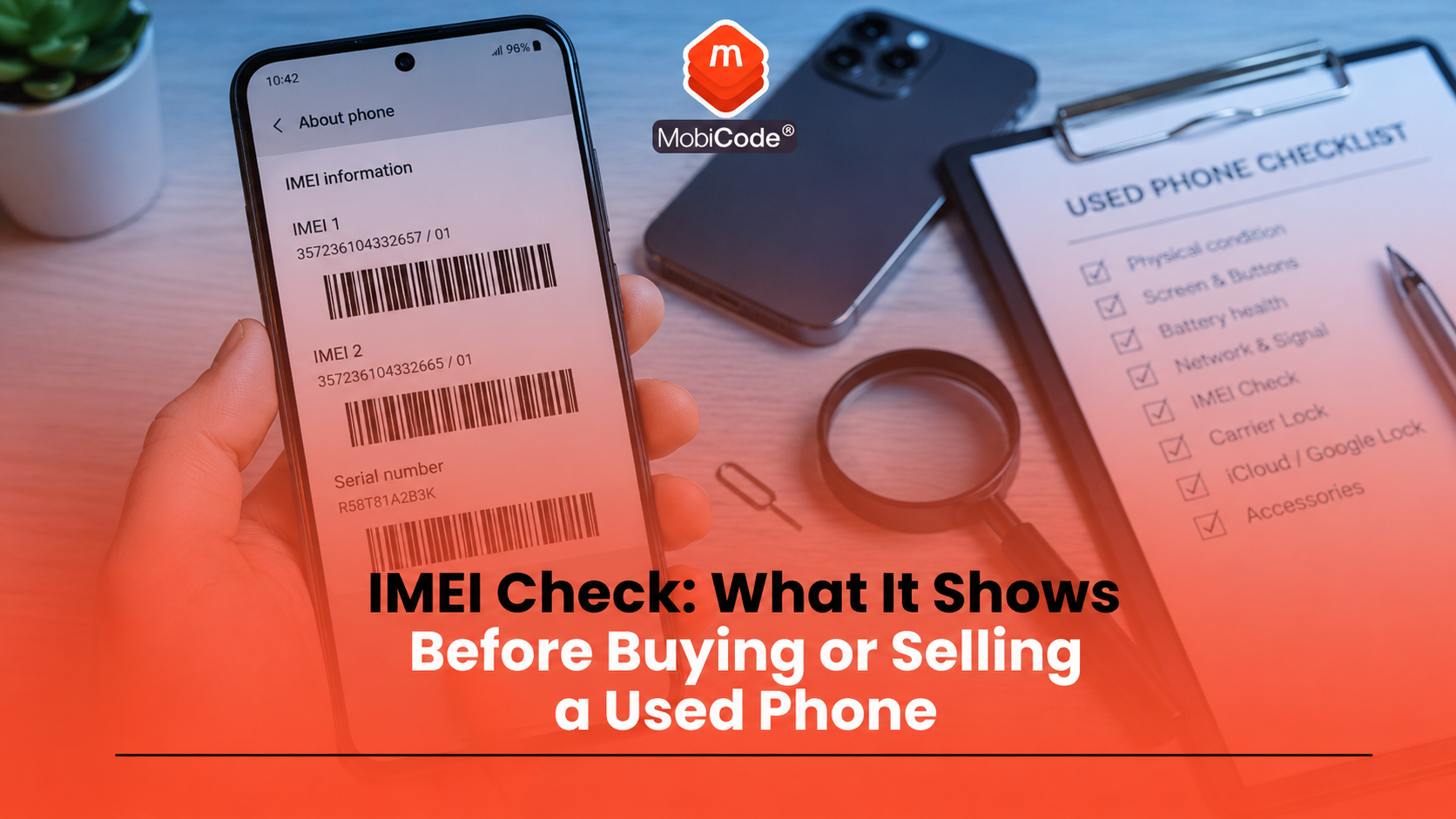
What is an IMEI check?
An IMEI check uses a phone’s IMEI number to look up information about the device. IMEI stands for International Mobile Equipment Identity. It is a unique identifier linked to the handset rather than the person using it. Ofcom describes the IMEI as a unique 15-digit serial number that users need if they want to get a phone blocked after loss or theft. The GSMA Device Check service also allows relevant users to query a device’s electronic serial number, such as an IMEI, to see whether it has been flagged on the GSMA Block List. In simple terms, the IMEI gives a phone a device identity. The check uses that identity to look for useful status information.
Why an IMEI check matters before buying a used phone
A used phone can look clean and still carry risk. It may power on normally, have no visible damage and come with a believable explanation from the seller. That does not prove the device is safe to buy. An IMEI check can help buyers and businesses identify warning signs before money changes hands or before a device enters stock. It may help show whether a phone is:
- reported lost or stolen;
- network blocked;
- linked to an insurance claim;
- affected by finance indicators where available;
- unclear or risky before resale; or
- suitable for further checking.
This does not mean an IMEI result tells the whole story. It gives a useful starting point for a better device decision.
How to find the IMEI number
Before running a check, you need the phone’s IMEI number. On many phones, the quickest way is to open the phone app and type:
The IMEI should appear on screen. You can also usually find the IMEI in the device settings. On iPhone, Apple says users can open Settings, tap General, then tap About and scroll to find the IMEI or IMEI/MEID. On many Android phones, Google says users can open Settings, tap About phone and find the IMEI there. Some devices may also show the IMEI on the original box, SIM tray, purchase paperwork or device-management account.
Why some phones have more than one IMEI
Some phones show more than one IMEI number. This is common on dual-SIM or eSIM-capable devices. A phone may have IMEI 1 for one SIM slot and IMEI 2 for another. Google’s Pixel guidance explains that a carrier may ask for IMEI 2 when setting up eSIM or Dual SIM Dual Standby. For trade-in teams, this matters because the device record may need to capture more than one identifier. If a phone shows two IMEI numbers, do not ignore the second one. Record both where the workflow requires it.
What can an IMEI check show?
An IMEI check can show different information depending on the service, data sources and device history available. A professional check may help identify:
- whether the device appears on a lost or stolen list;
- whether the device is network blocked;
- whether there are blacklist or blocklist indicators;
- whether insurance indicators appear where available;
- whether finance indicators appear where available;
- whether the device identity matches the expected make and model; and
- whether the phone needs further review before resale.
MobiCHECK helps businesses check device IMEI numbers live against independent datasets, including the GSMA Global Blacklist Registry. This supports stronger decision-making before devices are purchased, processed or released for resale.
- IMEI and device status checks: MobiCHECK
- Used-device due diligence: MobiCode CHECK
What an IMEI result cannot prove
An IMEI result is useful, but it is not a complete device inspection. A phone may pass one status check and still have other problems. For example, an IMEI result may not prove that the phone:
- has no screen or battery faults;
- has no account lock;
- has no network lock;
- has been securely erased;
- has genuine parts;
- has no hidden damage; or
- will never be reported later.
This is why businesses should not treat an IMEI check as the whole workflow. It should sit alongside testing, account-lock checks, data erasure, grading and clear records.
IMEI check vs phone diagnostics
An IMEI check and a phone diagnostic test answer different questions. An IMEI check focuses on device identity and status. It can help flag issues linked to the handset’s history or network status. A diagnostic test focuses on how the phone works. It checks functions such as:
- screen and touch response;
- cameras;
- speaker and microphone;
- charging port;
- battery health or performance;
- Wi-Fi, Bluetooth and NFC;
- buttons and sensors.
For resale, both matter. A device can have a clean status result but a faulty camera. It can also test well physically but carry a blacklist or ownership risk.
- Mobile phone testing: MobiCode TEST
- Connected device processing: MobiONE
IMEI check vs blacklist check
People often use these terms together, but they are not always identical. An IMEI check is the broader action of checking a phone’s unique device identifier against one or more data sources. A blacklist check focuses specifically on whether the device appears on a blocklist or blacklist, often because it has been reported lost, stolen or blocked. The GSMA Device Check FAQ explains that users can query a device’s electronic serial number and see whether it has been flagged on the GSMA Block List. If flagged, the result can show a red status and the reason, such as lost or stolen. If not flagged, the result can show that it is not flagged on the GSMA Block List. For businesses handling used phones, blacklist visibility helps reduce the chance of accepting devices that should not move into normal resale.
- Trade mobile blacklist support: MobiCode Blacklist
- Secure intelligence sharing: MobiCHECK SHARE
Can a phone pass an IMEI check and still be risky?
Yes. A clean result from one check does not guarantee that the phone has no risk at all. There are several reasons for this:
- not every issue appears in every database;
- a device may be reported after the check;
- some problems are physical, not status-related;
- the phone may still have account-lock or MDM restrictions;
- the IMEI may have been typed incorrectly; or
- the seller may not be the rightful owner.
That is why buyers should remain cautious and why businesses need structured workflows. An IMEI check is powerful, but it is not a replacement for judgement, process and evidence.
How private buyers should use an IMEI check
If you are buying a used phone privately, run checks before paying. Do not wait until after the sale. A sensible buyer checklist includes:
- Ask the seller for the IMEI number.
- Confirm the IMEI by typing *#06# on the device in person where possible.
- Check that the model and storage match the listing.
- Run an IMEI or blacklist check where available.
- Check that the phone is not account locked.
- Test the screen, cameras, speakers, battery and charging port.
- Avoid sellers who refuse basic checks or rush payment.
This will not remove every risk, but it reduces the chance of buying a phone with obvious problems.
Why trade-in teams need consistent IMEI checks
Trade-in teams need consistency. A private buyer may check one phone. A business may process hundreds or thousands of devices, which makes small errors expensive. A professional workflow should:
- capture the IMEI directly from the device where possible;
- record IMEI 1 and IMEI 2 where relevant;
- run status checks before acceptance or resale;
- connect the result to the handset record;
- separate suspicious devices for review;
- avoid manual retyping where possible; and
- keep an audit trail of checks and decisions.
MobiONE helps link device checks, tests, wipe results and records in one operational process. This matters because an IMEI check is most useful when it connects to the rest of the device journey.
How IMEI checks support recyclers and refurbishers
Recyclers and refurbishers handle devices from many sources. Some stock comes from trade-in schemes, returns, insurance streams, businesses, consumers or bulk purchasing. Each route can carry different risks. An IMEI check helps teams decide whether a device should:
- move into normal processing;
- be held for review;
- be rejected;
- be routed for further evidence;
- be processed for parts; or
- be reported or escalated where appropriate.
For high-volume operations, this is not just a compliance issue. It is a commercial control. Better checks help protect margin, reduce disputes and support cleaner resale channels.

How MobiCode supports IMEI check workflows
MobiCode helps businesses use IMEI checks as part of a wider device-processing workflow.
- IMEI and status checks: MobiCHECK helps teams check device identifiers against relevant datasets before purchase, processing or resale. See: MobiCHECK
- Device due diligence: MobiCode CHECK supports stronger used-phone checks before devices move further through the business. See: MobiCode CHECK
- Mobile phone testing: MobiCode TEST helps teams test phone functions more consistently before resale. See: MobiCode TEST
- Secure data erasure: MobiWIPE supports controlled data-erasure workflows before devices are released. See: MobiWIPE
- Connected processing: MobiONE helps link checks, tests, wipe results and device records in one operational workflow. See: MobiONE
The key benefit is traceability. Each device should have a clear record of what was checked, what the result showed and what decision followed.
Common mistakes with IMEI checks
Most IMEI mistakes come from rushing or treating one result as a complete answer. Common mistakes include:
- typing the IMEI incorrectly;
- checking only one IMEI on a dual-SIM phone;
- accepting a seller’s IMEI without checking the device;
- assuming one clean result proves the phone is safe;
- forgetting account-lock checks;
- ignoring functional faults;
- failing to record the result;
- not linking the check result to the handset record.
A clear process helps avoid these errors and makes device decisions easier to defend.
Commercial takeaway: IMEI check
An IMEI check is one of the most useful steps before buying, selling, trading in or processing a used phone. It helps connect a handset to device-status information that may affect risk, value and resale suitability. For consumers, the check can reduce the chance of buying a problematic phone. For businesses, it supports better intake decisions, clearer audit trails and safer resale workflows. However, an IMEI result should not stand alone. A resale-ready phone also needs functional testing, account-lock checks, network-lock checks, secure data erasure, grading and accurate records.
A practical example before accepting a trade-in
A trade-in team receives a recent smartphone that looks clean and powers on normally. Before quoting a final value, staff type *#06# on the device, record the IMEI and run the required checks. The result does not replace the rest of the process. The team still tests the screen, battery, cameras, speakers, ports and wireless features. They also check lock status, complete the required data-erasure workflow and record the final grade. That gives the business a clearer basis for accepting, pricing or escalating the device.
FAQ: IMEI check
What is an IMEI check?
An IMEI check uses a phone’s unique IMEI number to look up device-status information before purchase, trade-in, resale or recycling.
How do I find my phone IMEI number?
On many phones, open the phone app and type *#06#. You can also usually find the IMEI in Settings. On iPhone, go to Settings, General, About. On many Android phones, go to Settings, About phone.
Can an IMEI check show if a phone is stolen?
An IMEI check may help identify whether a phone has been reported lost or stolen where the relevant data is available. A clean result does not guarantee there are no other risks.
Is an IMEI check the same as a blacklist check?
Not exactly. An IMEI check is the wider process of checking the device identifier. A blacklist check specifically looks for blocklist or blacklist indicators, often linked to loss, theft or network blocking.
Can a phone pass an IMEI check and still be faulty?
Yes. An IMEI result does not test the screen, battery, cameras, speakers, ports, account locks or data-erasure status.
Why do businesses need IMEI checks?
Businesses use IMEI checks to support due diligence before buying, processing or reselling used phones. The result helps with risk review, stock decisions, audit records and resale confidence.
References and Further Reading
- Ofcom: Lost or stolen phone
- GSMA Device Check: GSMA Block List FAQs
- GSMA: IMEI Database
- Apple Support: Find the serial number, EID or IMEI on your iPhone
- Google Pixel Help: Find your IMEI and other phone ID numbers
- MobiCHECK
- MobiCode CHECK
- MobiCode TEST
- MobiWIPE
- MobiONE
- MobiCHECK SHARE
- MobiCode Blacklist