

What is phone trade-in fraud?
Phone trade-in fraud happens when someone deliberately provides false, incomplete or misleading information to obtain money or credit for a mobile device. The problem can take several forms. For example, a seller may hide a fault, provide false ownership details, trade in a counterfeit phone or present a device that later becomes blocked. Other cases may involve less obvious deception. A customer could show one phone during inspection but hand over another similar device. Alternatively, the handset’s software information may not match its physical identity.
Why trade-in fraud damages more than one sale
The immediate loss is usually the amount paid for the phone. Nevertheless, the full cost can be much higher. A fraudulent or misrepresented trade-in may also create:
- staff investigation time;
- lost resale revenue;
- repair and inspection costs;
- marketplace complaints;
- customer returns;
- chargebacks;
- blocked stock;
- police or insurer enquiries;
- damage to the shop’s reputation.
Consequently, a £300 buying mistake may become significantly more expensive once staff time and lost resale opportunities are included. The best defence is not one perfect database result. Instead, it is a chain of checks that make deception harder and unusual behaviour easier to spot.
1. Capture the IMEI before discussing the final price
The IMEI should be one of the first pieces of information recorded during intake. Staff can usually find it through the device settings, the phone dialler, the original packaging or a physical marking, depending on the model. However, the number should not simply be copied from a box or customer-provided screenshot. Instead, compare the IMEI shown by the device with any available physical or packaging identifiers. Record:
- IMEI 1;
- IMEI 2 where relevant;
- serial number;
- make and model;
- storage capacity;
- colour;
- customer or transaction reference.
This creates the foundation for every later check.
2. Check whether the IMEI is flagged
Once the shop has captured the IMEI, it should check the device’s status before paying. The GSMA Device Check service allows an electronic serial number such as an IMEI to be checked against the GSMA Block List. A red result can show that the device has been flagged, together with a reason such as lost or stolen. MobiCHECK helps device businesses check IMEI numbers against relevant data sources, including the GSMA Global Blacklist Registry.
- IMEI and status checks: MobiCHECK
- Trade mobile blacklist support: MobiCode Blacklist
- Broader device checks: MobiCode CHECK
A clear result does not prove that every part of the transaction is safe. Even so, it removes one major area of uncertainty.
3. Make sure every identifier matches
An IMEI check only helps when staff check the correct IMEI. Therefore, compare the identifier across several places where possible:
- the phone’s settings;
- the dialler result;
- the SIM tray or device casing where shown;
- the original box;
- the customer’s receipt or contract;
- the shop’s device record.
A mismatch does not always prove fraud. The box may belong to another phone, or a legitimate repair may have changed a component. Nevertheless, the shop should pause the transaction until it understands the reason. For instance, if the IMEI on the box differs from the phone, staff should never rely on the box for the status check. They must check the device itself.
4. Confirm that the model and storage are genuine
Counterfeit and altered phones can imitate the appearance of popular devices. In addition, low-storage models may be presented as more valuable versions. Staff should verify:
- the exact model name;
- storage capacity;
- operating system;
- manufacturer information;
- screen quality and interface behaviour;
- camera layout;
- serial and IMEI information;
- expected device features.
Be particularly cautious when the displayed software, menus or hardware quality do not match the expected model. A device may have a convincing outer shell while running unfamiliar software underneath. Likewise, a seller may describe a 128GB phone as a 256GB model because the devices look identical externally.
5. Ask the seller to unlock the phone
A legitimate seller should normally be able to unlock the device for inspection. If the customer cannot unlock it, staff cannot properly test the phone or check its account status. The shop may also be unable to confirm that the seller has normal control over the device. Warning signs include:
- the seller does not know the PIN;
- the phone is in lost mode;
- the device shows another person’s contact details;
- the seller refuses to open settings;
- the customer wants immediate payment without testing;
- the explanation changes when staff ask questions.
There may be innocent explanations. However, the shop should not pay for a phone it cannot inspect properly.
6. Remove account locks before the customer leaves
A phone can pass an IMEI check and still become unusable because of an account lock. Before completing the trade-in, check for:
- Apple Activation Lock;
- Find My iPhone;
- Google account verification;
- Android Factory Reset Protection;
- Samsung account restrictions;
- MDM or Remote Management;
- work profiles or business enrolment.
The customer should remove the relevant account through the correct device process. Afterwards, staff should confirm that the phone reaches a clean setup state without requesting the previous user’s credentials. Do not accept promises that the seller will remove the account later. Resolving the issue while the customer is still present is usually much easier.
7. Check for MDM and company ownership
Some phones offered to shops previously belonged to employers, schools, public bodies or other organisations. The seller may legitimately own the device after an upgrade or company disposal. However, the handset could still remain enrolled in an organisation’s device-management system. Look for:
- Remote Management during setup;
- organisation names or enrolment screens;
- managed apps;
- work profiles;
- restricted settings;
- company asset labels;
- messages that the device is supervised.
If a phone remains managed, the relevant organisation may need to release it. Until that happens, the device should move into review rather than normal resale stock.
8. Run a structured functional test
Condition fraud does not always involve a stolen or counterfeit phone. Sometimes the seller simply hides a fault to obtain a higher offer. A quick power-on check may miss:
- touchscreen dead zones;
- screen burn or image retention;
- weak microphones;
- camera focus problems;
- charging-port faults;
- poor battery performance;
- faulty NFC;
- Wi-Fi or Bluetooth problems;
- broken sensors;
- intermittent buttons.
MobiCode TEST helps teams run a consistent phone test rather than relying on informal inspection.
- Structured phone diagnostics: MobiCode TEST
A recorded test also makes it easier to explain why the final offer differs from the initial estimate.
9. Inspect the phone for hidden repair history
Previous repairs do not automatically make a phone unsuitable. In fact, many professionally repaired devices remain valuable. However, the repair history may affect grade, reliability and resale price. Check for signs such as:
- poor screen fit;
- lifting display edges;
- missing screws;
- damaged seals;
- uneven back-glass alignment;
- non-working biometric features;
- replacement-part warnings;
- camera dust or poor focus;
- unexpected gaps in the casing.
If the device shows signs of repair, test the related functions carefully. Moreover, include the likely reliability and resale impact in the price.
10. Check for signs of liquid damage
Liquid damage may cause faults that appear intermittently rather than immediately. A phone could work during the trade-in inspection but fail later because corrosion continues inside the device. Possible warning signs include:
- condensation around cameras;
- corrosion in the charging port;
- discoloured liquid-contact indicators where accessible;
- distorted speaker audio;
- unreliable charging;
- unexpected restarts;
- screen marks or flickering;
- a strong fragrance used to hide moisture smells.
Technicians should avoid making assumptions from one sign alone. Nevertheless, several indicators together should result in a lower offer, a repair-grade route or rejection.
11. Record who sold the device and what was agreed
A transaction record creates accountability and helps the shop resolve later questions. The exact information a business should collect depends on its legal obligations, privacy policy and local procedures. However, the record commonly needs to link the seller, device and payment. Depending on the shop’s process, it may include:
- seller name;
- contact information;
- transaction date and time;
- device IMEI and serial number;
- purchase price;
- payment method;
- signed ownership or authority declaration;
- staff member handling the transaction;
- test and check results.
The shop should collect only the information it genuinely needs and protect that information appropriately. Most importantly, the transaction record should make it difficult for a seller to deny which device they supplied.
12. Use a controlled payment process
Payment should follow the checks, not come before them. Pressure tactics are an important warning sign. For example, the customer may say they need immediate cash, have another buyer waiting or cannot stay while the phone is tested. A safer payment workflow should:
- complete all required checks first;
- confirm the final agreed price;
- record the payment method;
- link payment to the device record;
- avoid unrecorded cash adjustments;
- require manager review for unusual transactions;
- retain evidence of the accepted offer.
Where a transaction does not feel right, staff should have permission to pause or reject it. Losing one uncertain device is usually cheaper than buying a phone the shop cannot safely resell.
Watch for seller behaviour that does not fit the story
No single behaviour proves fraud. Still, inconsistencies can show that the transaction needs more attention. Possible warning signs include:
- the seller cannot explain where the phone came from;
- the name on a receipt does not match the seller;
- the customer offers several nearly new phones without a clear reason;
- the seller becomes defensive when staff check the IMEI;
- the customer refuses to remove an account;
- the story changes during inspection;
- the seller pushes for cash before testing finishes;
- the device, box and documents do not match.
Staff should focus on evidence rather than appearance or personal assumptions. Therefore, the same documented process should apply to every seller.
Be careful with multiple-device trade-ins
A customer selling several devices may be completely legitimate. They could run a business, manage company phones, clear family devices or sell repair stock. Even so, multiple-device transactions deserve a clear commercial process. Ask:
- Where did the devices come from?
- Can the seller provide a manifest?
- Are the IMEIs available before payment?
- Do account and MDM statuses appear clear?
- Does the seller have authority to dispose of them?
- Do the devices match the supporting records?
- Can the shop test a sample or the full batch?
For company or wholesale batches, MobiONE can help connect each device to its checks, tests and processing result.
- Connected device processing: MobiONE
Do not rely on one green result
A common mistake is assuming that one successful check proves the phone is safe to buy. For example:
- a clear IMEI does not prove the screen is genuine;
- a working screen does not prove the phone has no account lock;
- a matching box does not prove the seller owns the device;
- a successful factory reset does not replace data-erasure records;
- a clean appearance does not prove there is no liquid damage;
- a customer receipt does not replace device testing.
Instead, build confidence through several connected checks. That layered approach makes it harder for one false detail to control the whole decision.
Separate clear stock from review stock
Not every uncertain phone needs immediate rejection. Some devices may need more information, supplier contact or technical review. Create clear routing categories such as:
- accepted: all required checks completed;
- review: one or more results need investigation;
- account release required: seller must remove an account or management control;
- repair grade: faults identified and priced accordingly;
- parts only: unsuitable for full-device resale;
- rejected: risk or uncertainty is too high.
Most importantly, review devices should not become mixed with resale-ready stock. Clear physical labels and digital workflow statuses can prevent accidental resale.
Train staff to follow the process under pressure
Trade-in checks often fail when the shop becomes busy. A regular customer arrives during a repair backlog. Another seller is waiting, the phone looks clean and staff want to finish the transaction quickly. That is precisely when the process matters most. Training should cover:
- how to capture the correct IMEI;
- how to interpret check results;
- how to identify account locks;
- how to run the phone test;
- how to record faults;
- when to request manager review;
- how to explain a reduced offer;
- when to reject a device.
A checklist or guided software workflow helps staff remain consistent even during busy periods.
Use trade-in data to find repeated fraud patterns
Individual transactions provide useful information. However, patterns across many transactions can be even more valuable. Track questions such as:
- Which device models create the most rejected trades?
- Which faults are most often hidden?
- How many devices arrive with account locks?
- Which sources produce the most review cases?
- Do several devices share unusual details?
- Which staff members identify the most problems?
- Which checks prevent the largest losses?
This data can improve pricing, training and acceptance rules. For example, the shop may discover that one model frequently arrives with screen-quality problems. It can then strengthen the test or increase the risk buffer for that model.

How MobiCode helps reduce phone trade-in fraud
MobiCode helps phone shops, repair centres, refurbishers and buyback teams collect clearer evidence before accepting used devices.
- MobiCHECK: helps teams check IMEI and device status before paying for or reselling a phone. See: MobiCHECK
- MobiCode TEST: helps staff run structured functional tests and identify faults before pricing. See: MobiCode TEST
- MobiONE: helps connect identity, checks, tests and device records in one workflow. See: MobiONE
- MobiCode CHECK: supports wider used-device due diligence when a handset needs more review. See: MobiCode CHECK
- MobiUNLOCK: supports professional workflows for devices with network restrictions. See: MobiUNLOCK
- MobiWIPE: supports controlled data-erasure workflows before accepted devices move into resale. See: MobiWIPE
No software can prove every part of a seller’s story. However, connected checks can reduce uncertainty and give staff better evidence before money leaves the business.
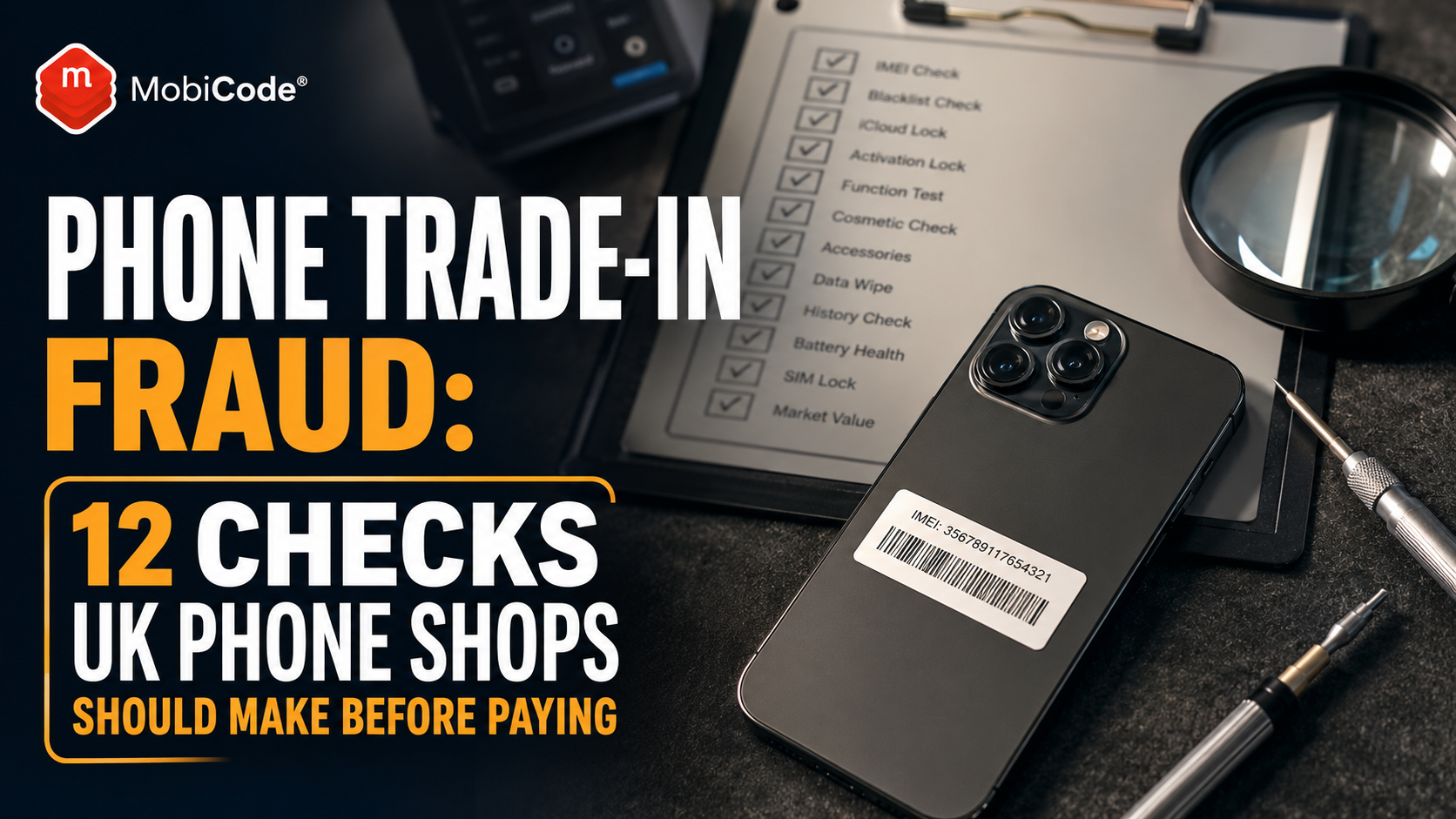
A phone trade-in fraud prevention checklist
Before paying for a used phone, confirm that staff have:
- captured the IMEI and serial number;
- checked device and blacklist status;
- confirmed that identifiers match;
- verified model and storage;
- asked the seller to unlock the phone;
- removed account locks;
- checked MDM and company-management status;
- run a structured functional test;
- inspected for repair and liquid-damage signs;
- recorded the seller and transaction;
- confirmed the final price;
- linked payment to the correct device record.
If one critical step cannot be completed, pause the purchase.
Common phone trade-in fraud prevention mistakes
Even experienced shops can create unnecessary risk when staff take shortcuts. Common mistakes include:
- checking an IMEI from the box instead of the phone;
- paying before the account has been removed;
- testing only the screen and camera;
- accepting a device the seller cannot unlock;
- failing to record seller and payment details;
- mixing review devices with clear stock;
- trusting one database result as complete proof;
- allowing urgency to override the normal process.
The solution is not a more complicated counter experience. Instead, it is a clear workflow that staff can complete quickly and consistently.
Commercial takeaway: phone trade-in fraud
Phone trade-in fraud can involve stolen devices, false descriptions, counterfeit phones, hidden faults, account locks, mismatched identifiers or misleading ownership claims. UK phone shops can reduce the risk by checking the IMEI, matching identifiers, verifying the model, removing account locks, reviewing MDM status, testing functions and recording the seller before payment. Most importantly, staff should not rely on one result or their instinct alone. Several connected checks create a much stronger buying decision. MobiCode helps shops build that process through device-status checks, structured testing, connected records, erasure and unlocking support.
A practical trade-in fraud example
A customer offers a recent iPhone to a UK phone shop at an attractive price. The phone powers on, looks almost new and comes with a matching retail box. At first, the transaction appears straightforward. However, staff follow the normal intake process rather than paying immediately. The IMEI displayed in the phone settings does not match the number on the box. In addition, the storage capacity differs from the customer’s description. The phone passes a basic status check, but the customer cannot explain the mismatch and becomes unwilling to wait for a complete test. The shop pauses the transaction and declines the purchase. No single issue proves exactly what happened. Nevertheless, the connected inconsistencies create too much commercial risk. By following the same process used for every customer, the shop avoids turning an uncertain device into expensive stock.
FAQ: phone trade-in fraud
What is phone trade-in fraud?
Phone trade-in fraud involves using false information, hidden faults, misleading device details or unclear ownership to obtain money or store credit for a mobile phone.
How can a phone shop avoid buying stolen phones?
The shop should capture the IMEI from the device, check its status, confirm that identifiers match, record the seller and investigate any account, ownership or device-history concerns before paying.
Does a clear IMEI result prove a phone is safe to buy?
No. A clear result is an important check, but the shop should also verify identity, account locks, MDM status, model details, functionality, condition and seller information.
Should a shop buy a phone the customer cannot unlock?
A shop should not normally complete the purchase if staff cannot unlock and inspect the phone properly. The inability to access the device prevents essential testing and account checks.
What are the warning signs of a fraudulent phone trade-in?
Warning signs include mismatched identifiers, account locks, unclear ownership, pressure for immediate payment, inconsistent explanations, hidden faults and a device that differs from its box or documents.
How does MobiCode help prevent phone trade-in fraud?
MobiCode helps phone shops check device status, run structured diagnostics, connect results to device records and manage wider erasure and unlocking workflows before resale.
References and Further Reading
- GSMA Device Check: Lost and stolen device status
- GSMA: IMEI Database and Device Check
- GSMA: Mobile device theft and the GSMA Block List
- NCSC: Buying and selling second-hand devices
- NCSC: Erasing devices, Activation Lock and Factory Reset Protection
- MobiCHECK
- MobiCode TEST
- MobiONE
- MobiCode CHECK
- MobiUNLOCK
- MobiWIPE
- MobiCode Blacklist